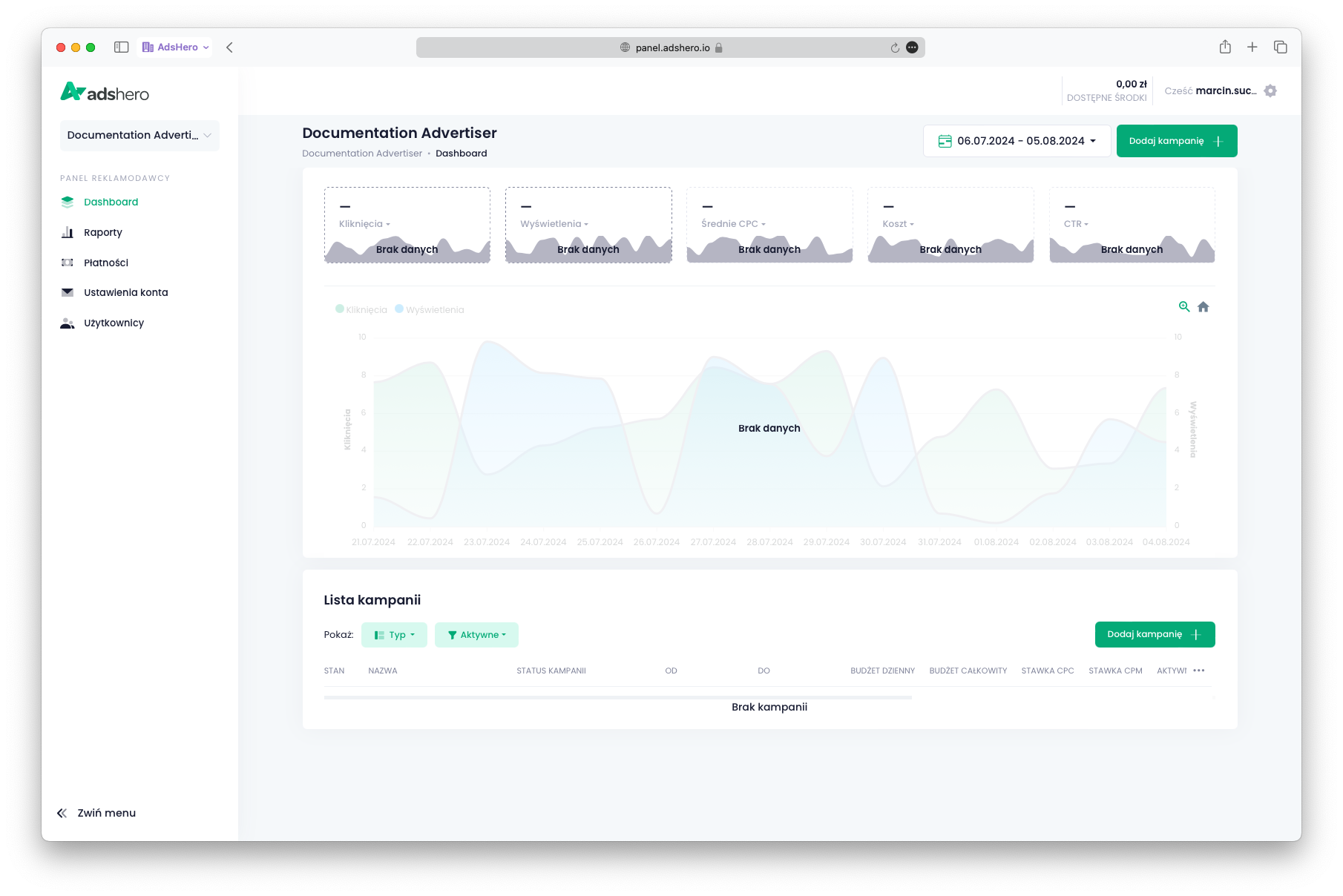
Create advertiser
This guide helps you create an advertiser account for integration tests or for setting up self-promotion campaigns. If you already have an advertiser account, you can skip this guide.
Navigate to the advertiser creation menu
You can find it on the left side under the shop selection dropdown. Click it and choose “Advertiser Accounts”. At the bottom of the window, you’ll see a button labeled “Add a new advertiser account”—click it.

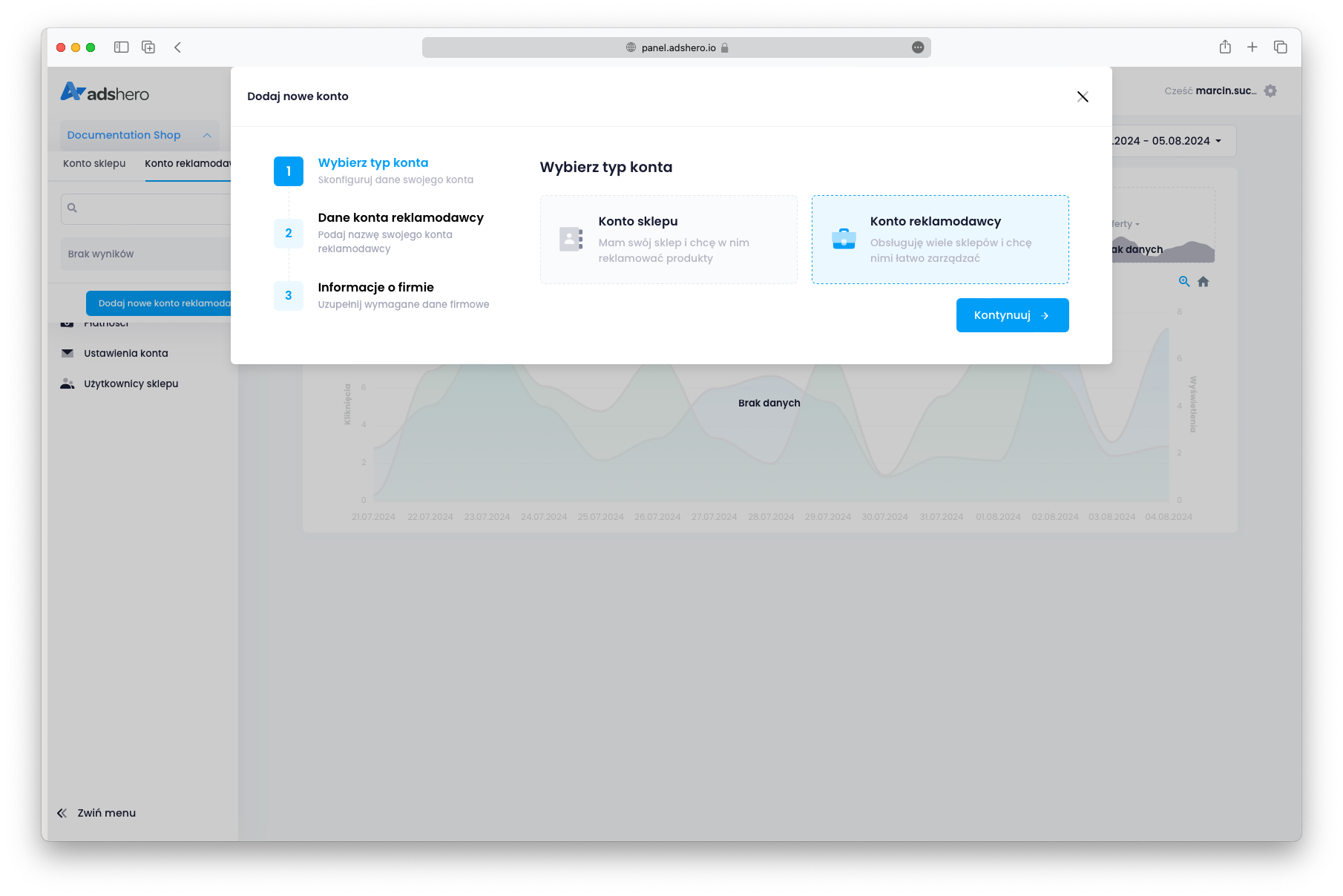
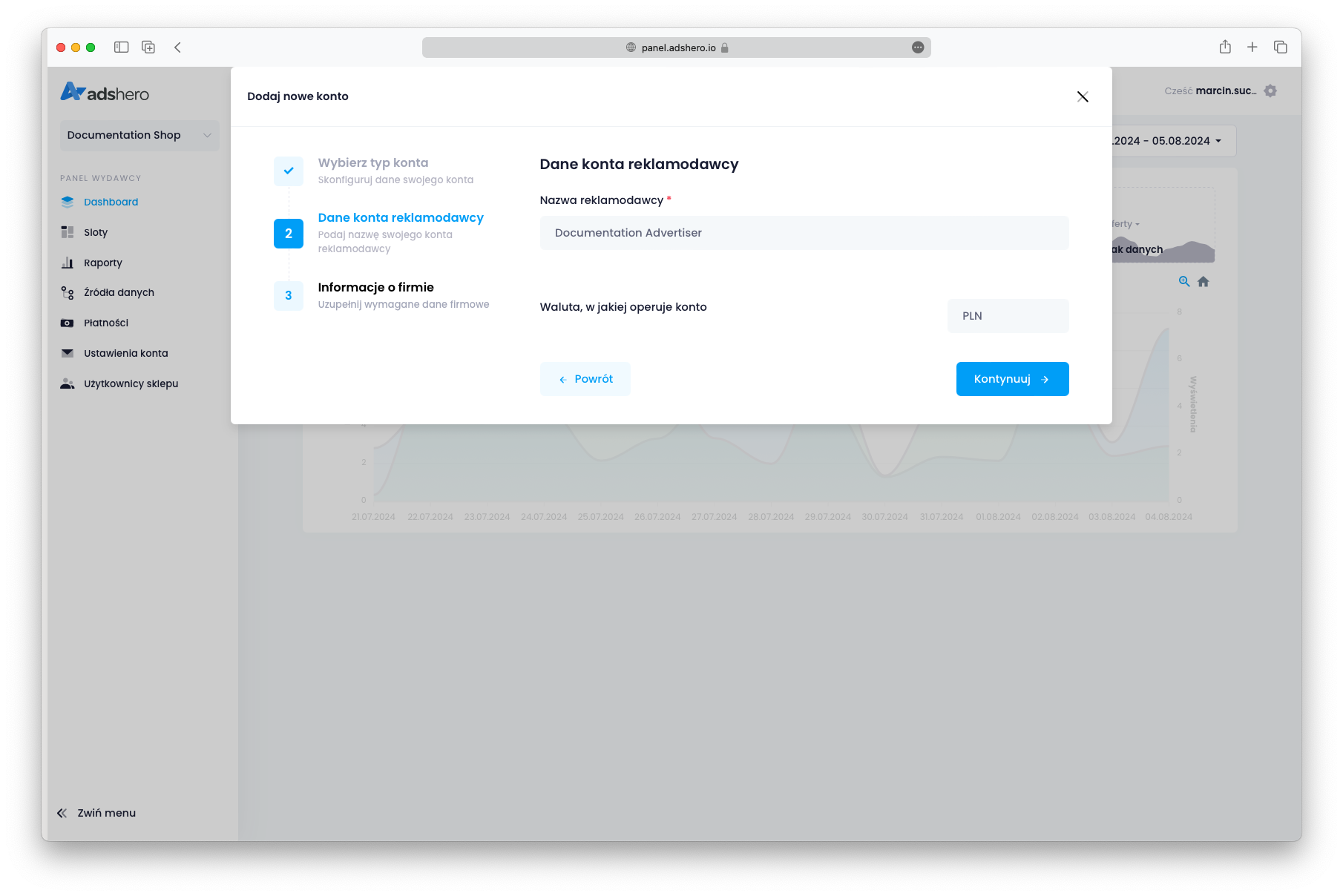
Name the advertiser and fill in the details
For a test advertiser, you might want to include “test” in the name. For an advertiser used for self-promotion, include “autopromo” in the name. For company details, you can use shop information.
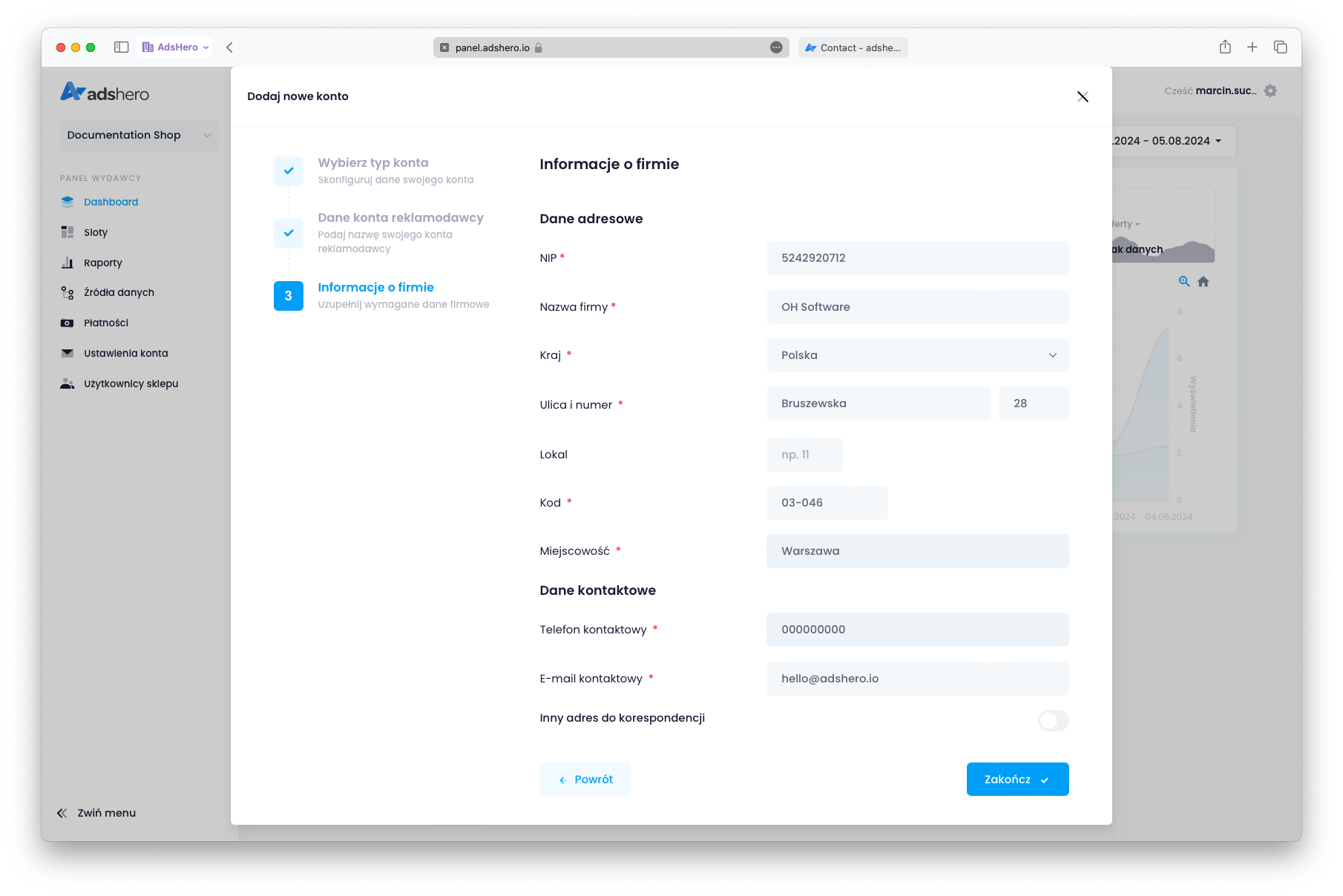
Contact us to fund the account
After submitting the form by clicking “Finish,” you’ll be redirected to the main advertiser panel page.
For test and self-promo accounts, let us know so we can add funds to the account for testing purposes and complete the configuration.