Create advertiser
This guide helps you create an advertiser account for integration tests or for setting up self-promotion campaigns. If you already have an advertiser account, you can skip this guide.
Open the advertiser accounts list
Open the account switcher in the top-left — its Advertiser tab shows the advertiser accounts you can access.
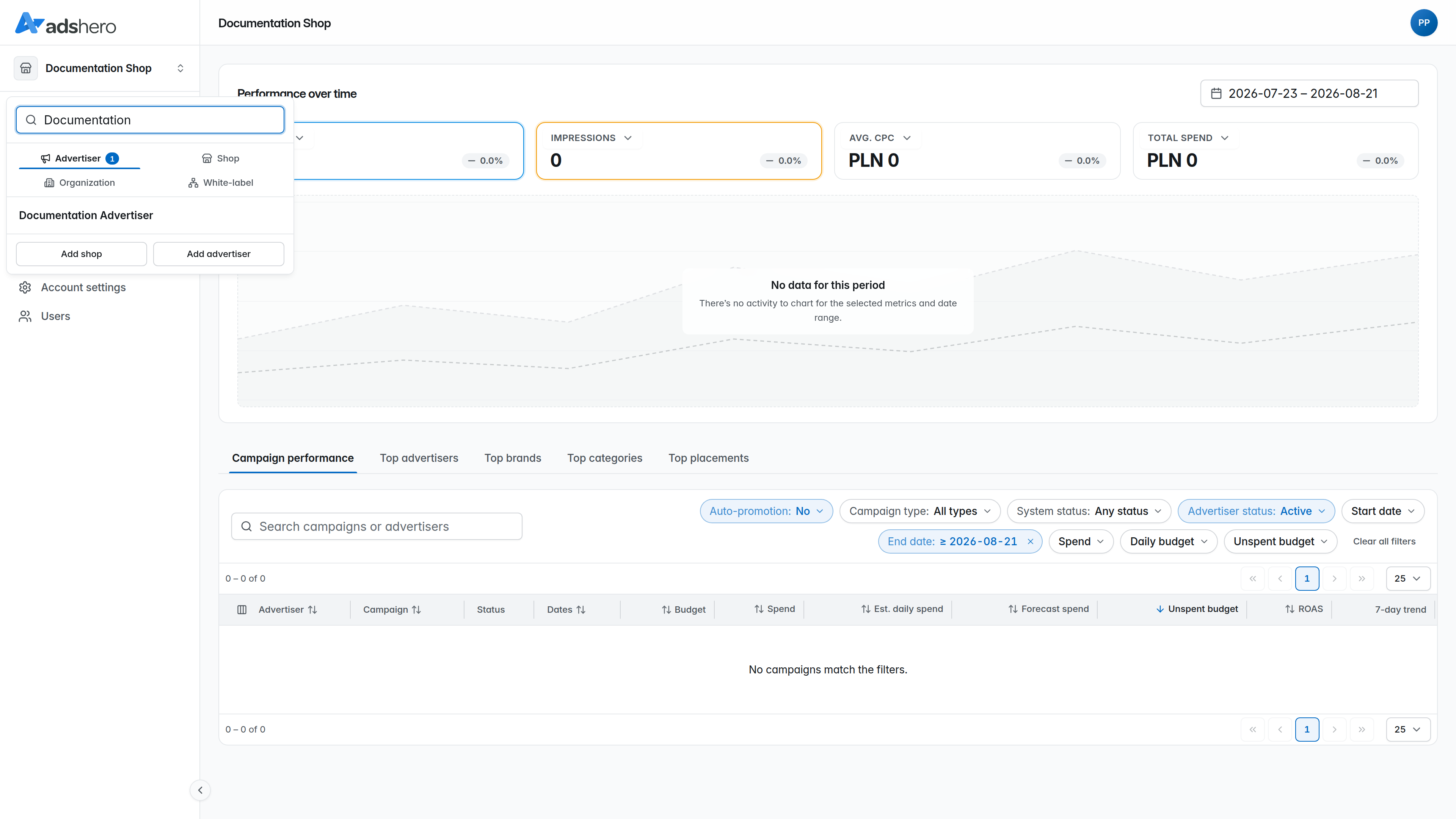
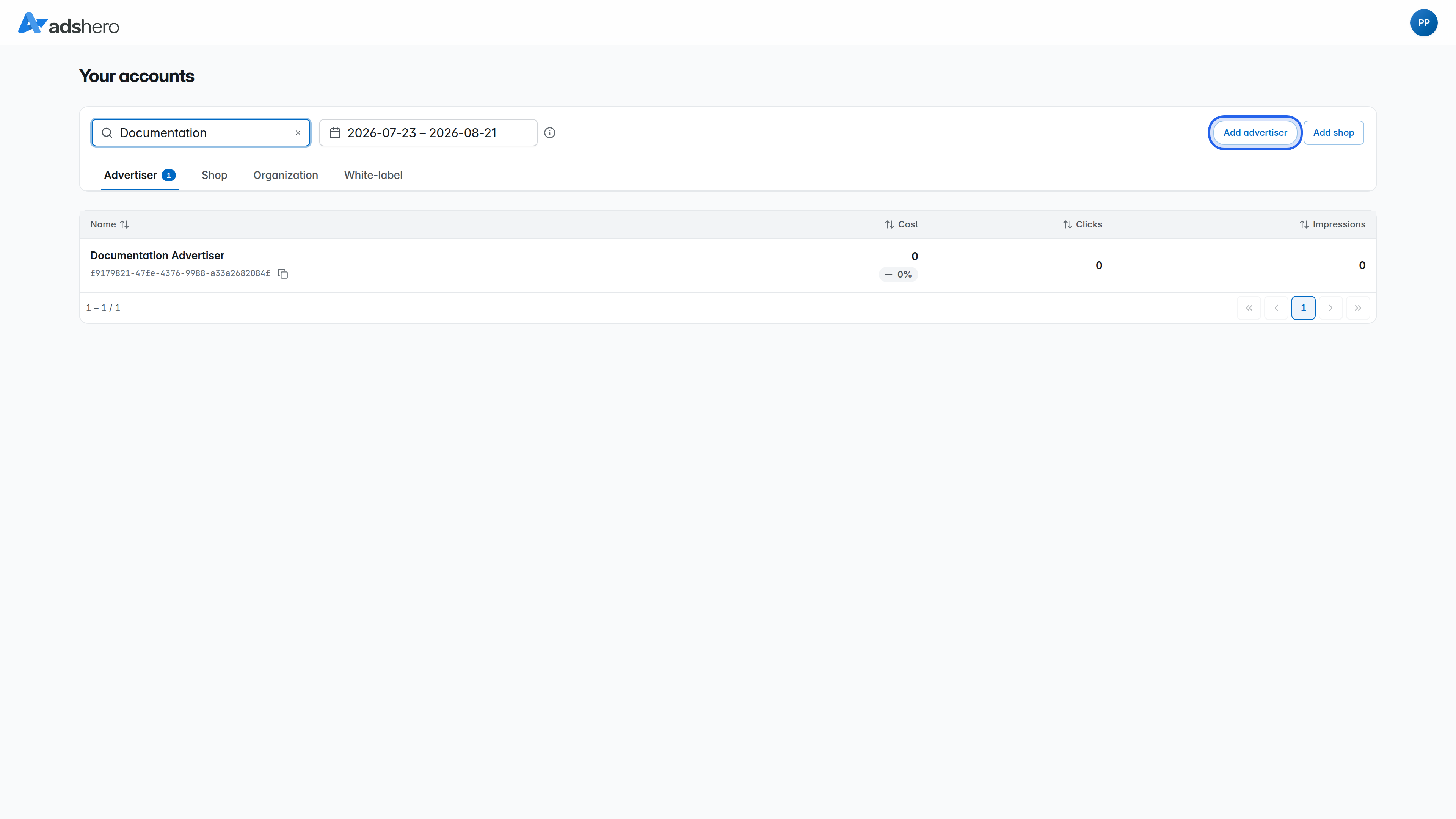
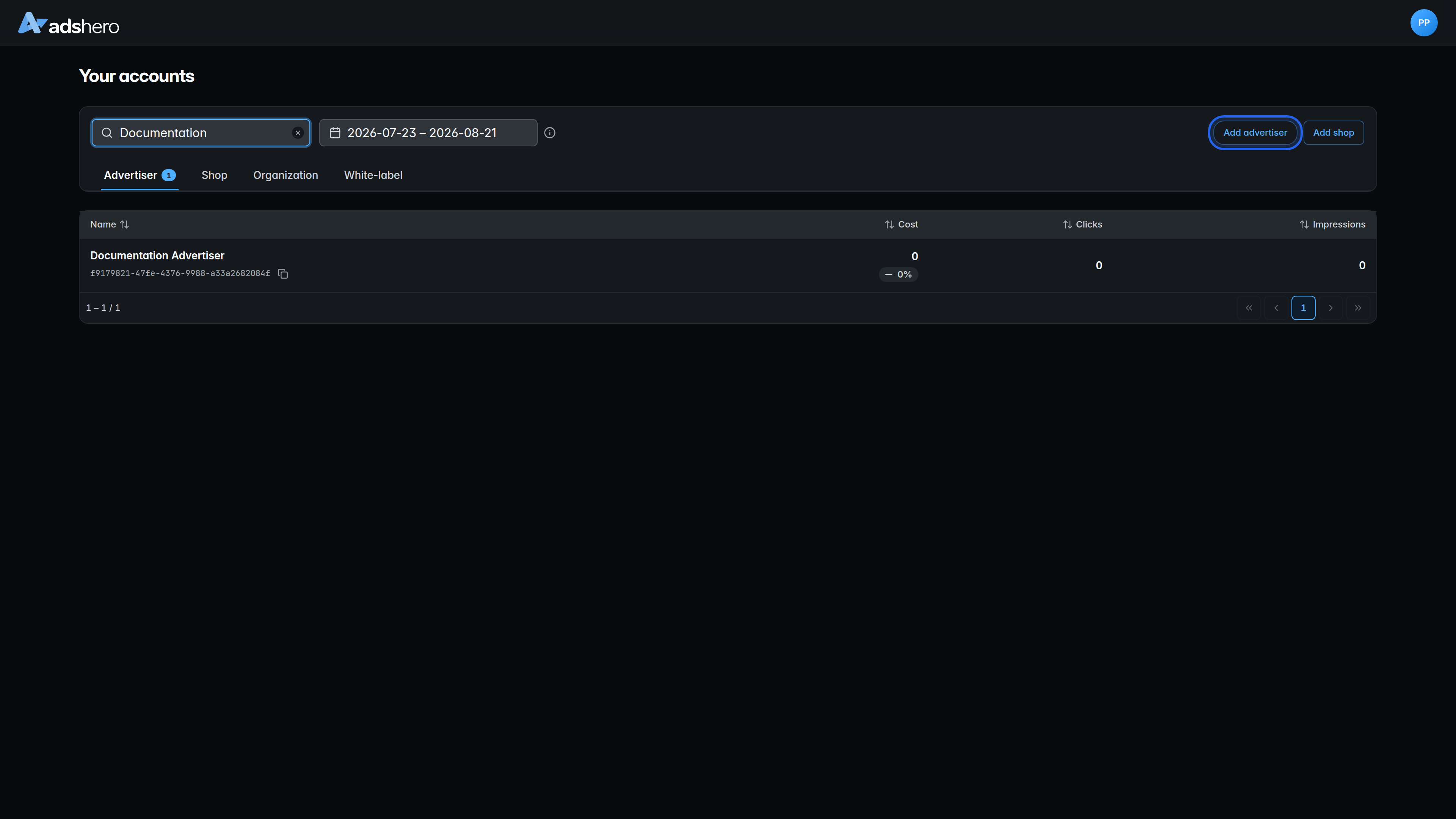
The Adshero logo above the switcher opens the full Your accounts view. There, on the Advertiser tab, click Add advertiser in the top-right to open the creation form.
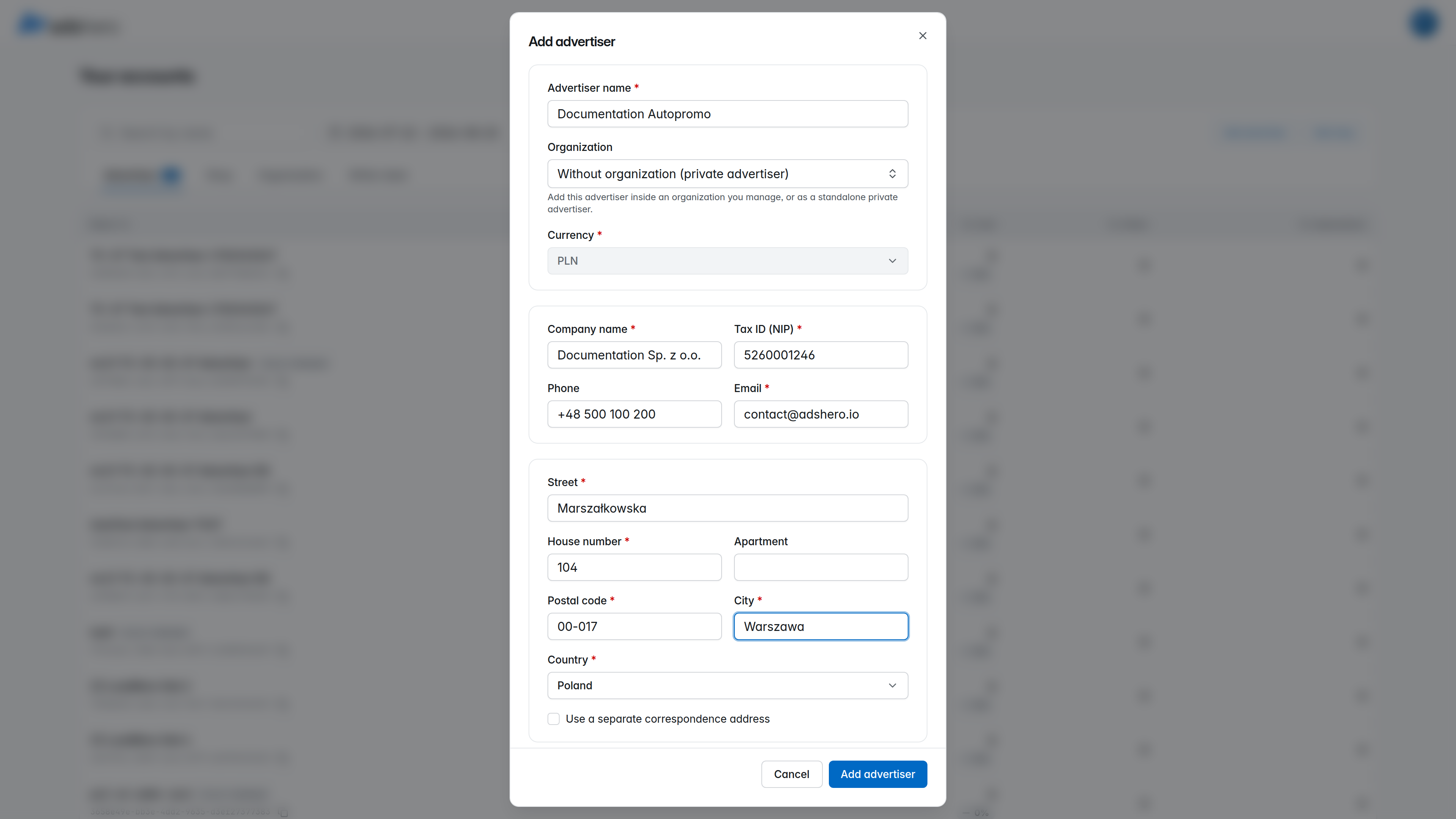
Name the advertiser and fill in the details
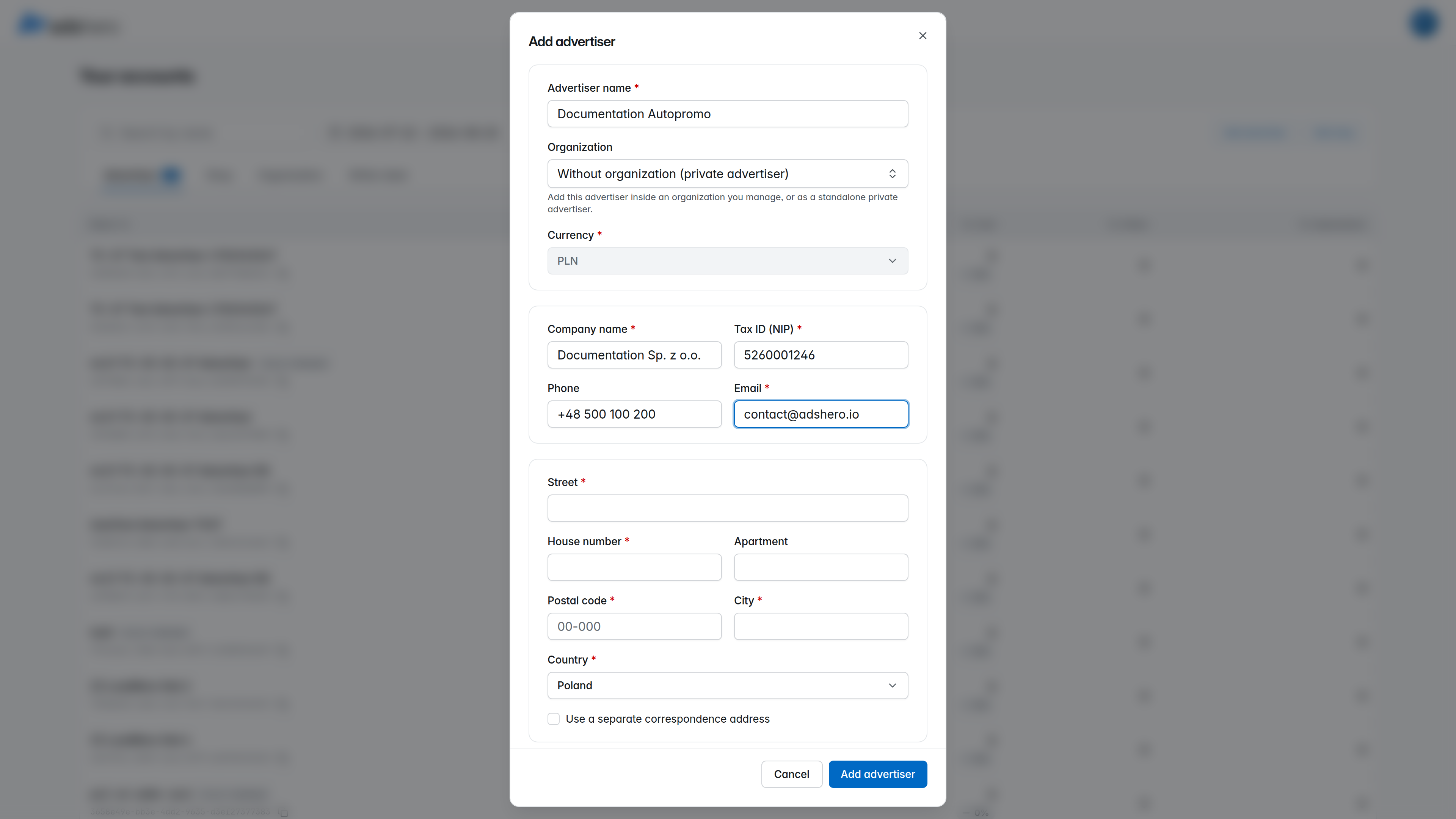
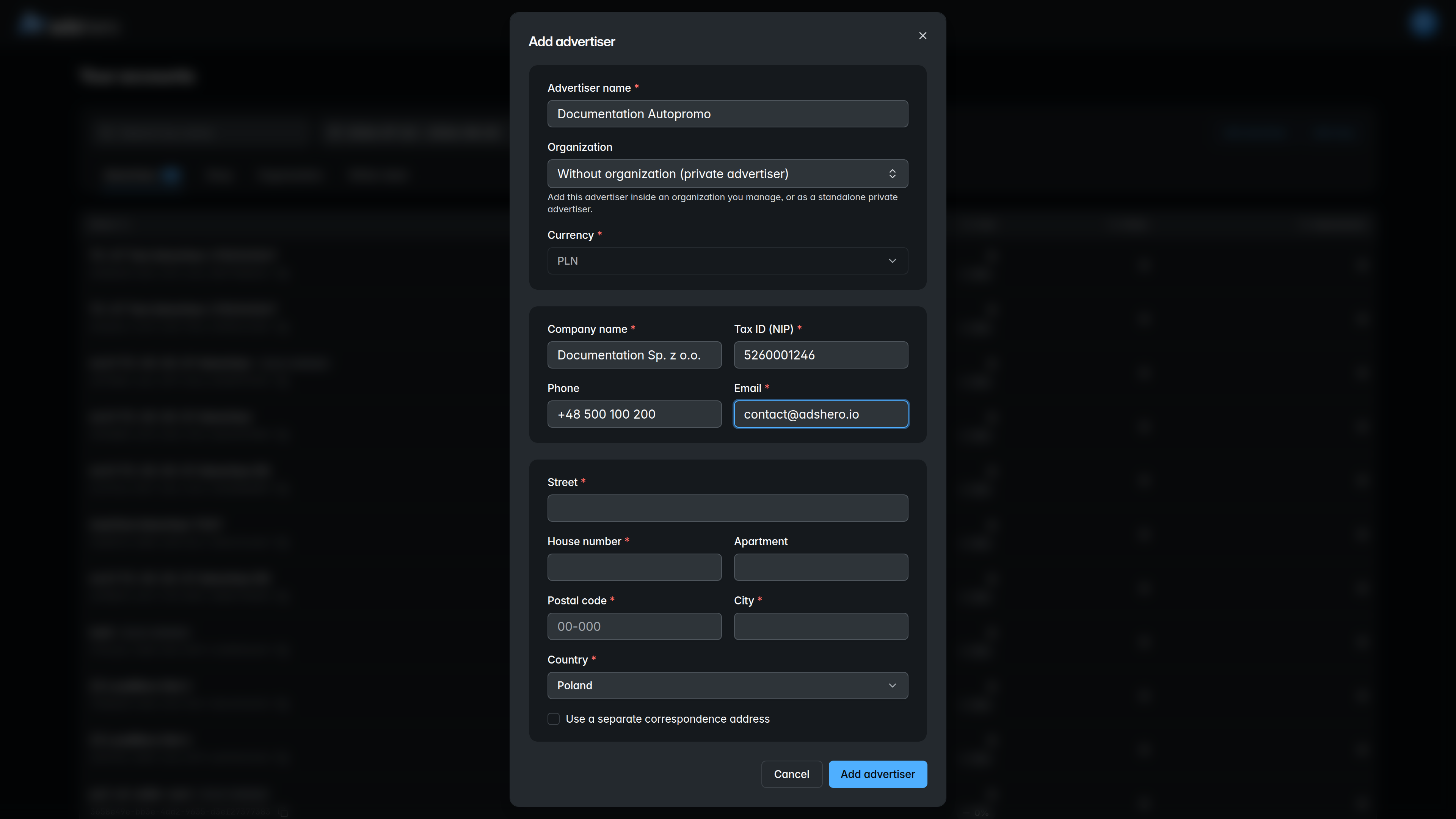
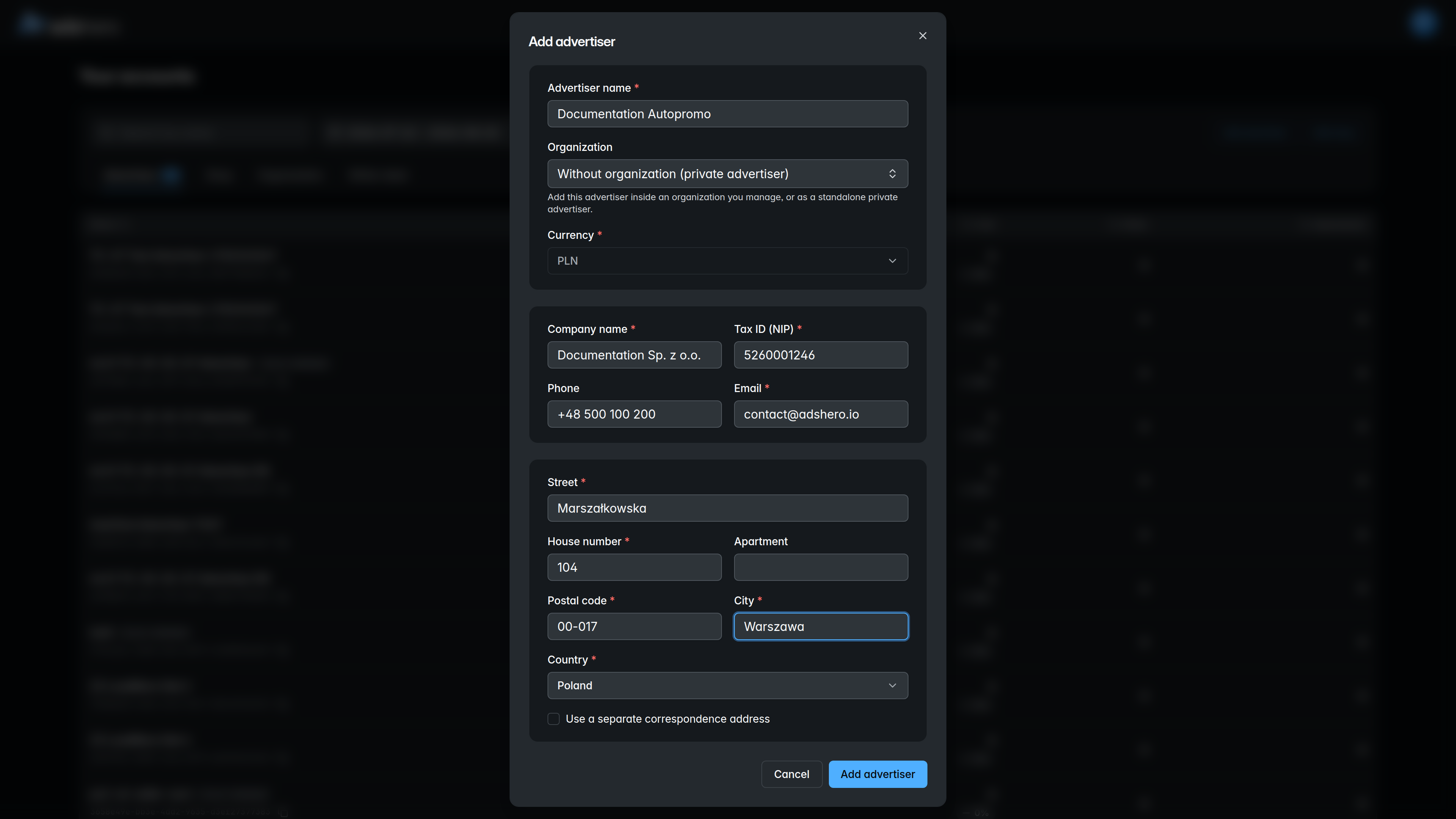
Provide the advertiser name and currency, then the company details (company name, tax ID, phone, e‑mail) and the registered address. For an advertiser used for self-promotion you may include “autopromo” in the name; for company and address details you can reuse the shop’s information.
Contact us to fund the account
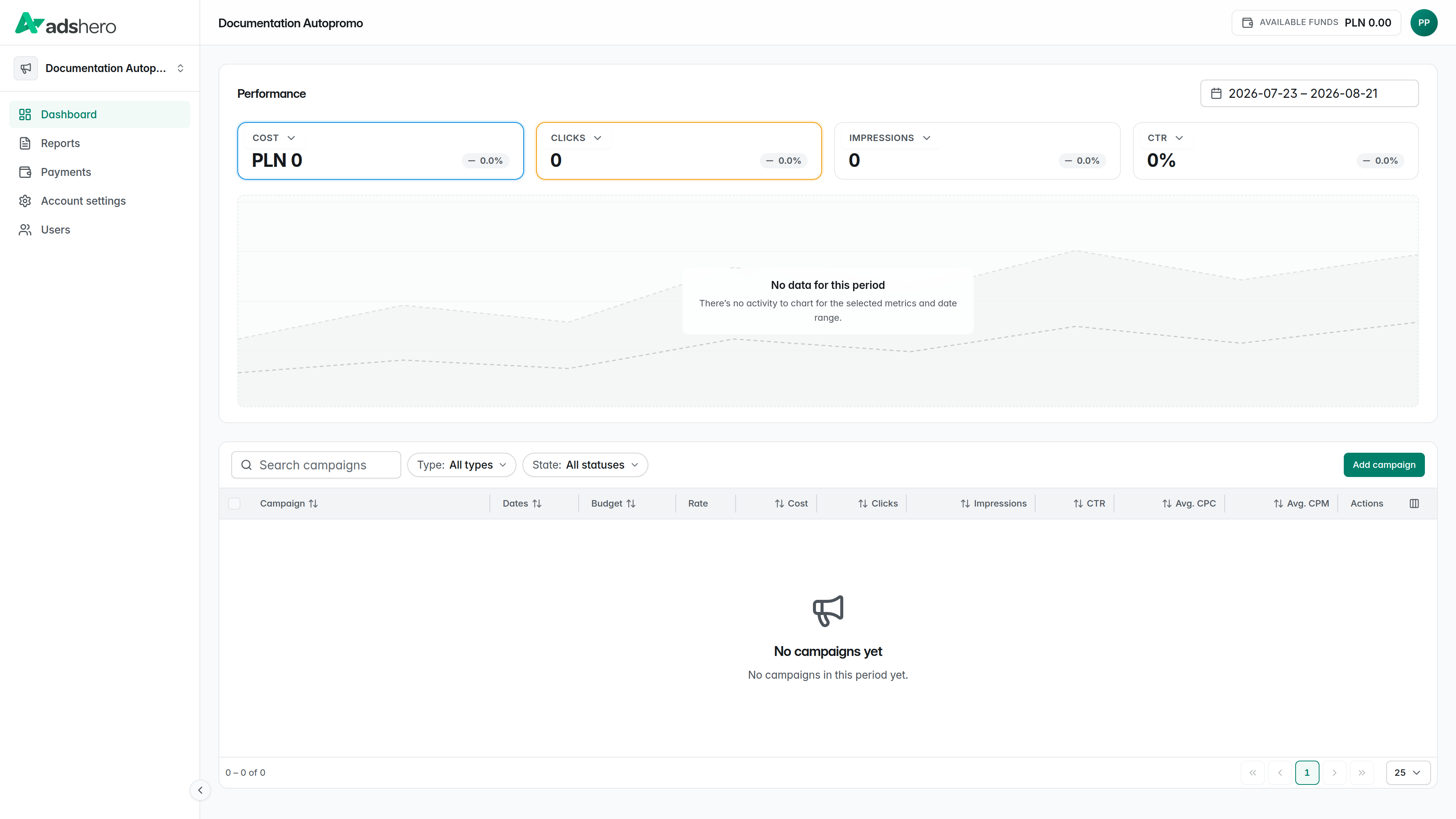
After submitting the form by clicking Add advertiser, you’ll be redirected to the advertiser’s dashboard.
For test and self-promo accounts, let us know so we can add funds to the account for testing purposes and complete the configuration.