Targeting
Display advertising in AdsHero allows you to use targeting to precisely select users and contexts in which the advertisement will be visible.
In the Adshero panel, configuring display ad targeting begins with selecting the target location, language, and country for which we want to display the ad:
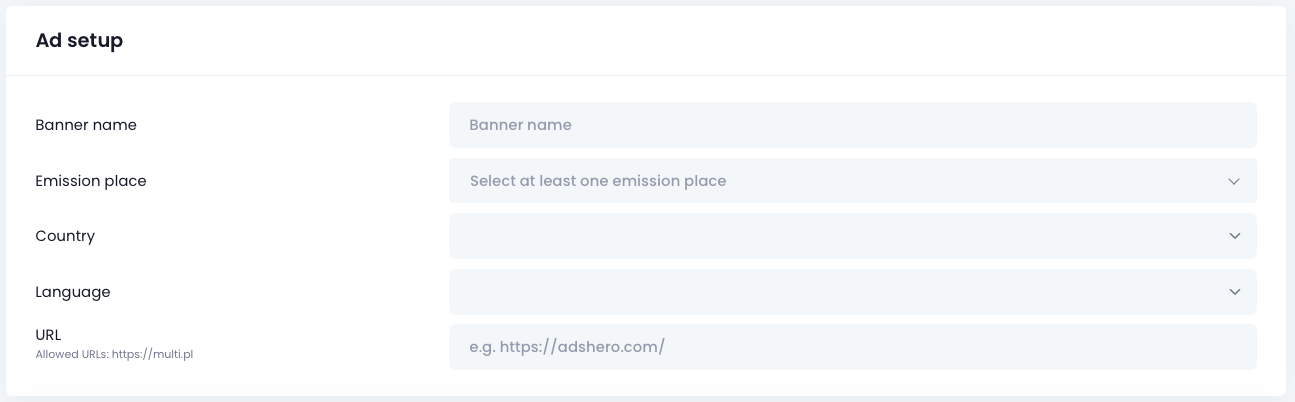
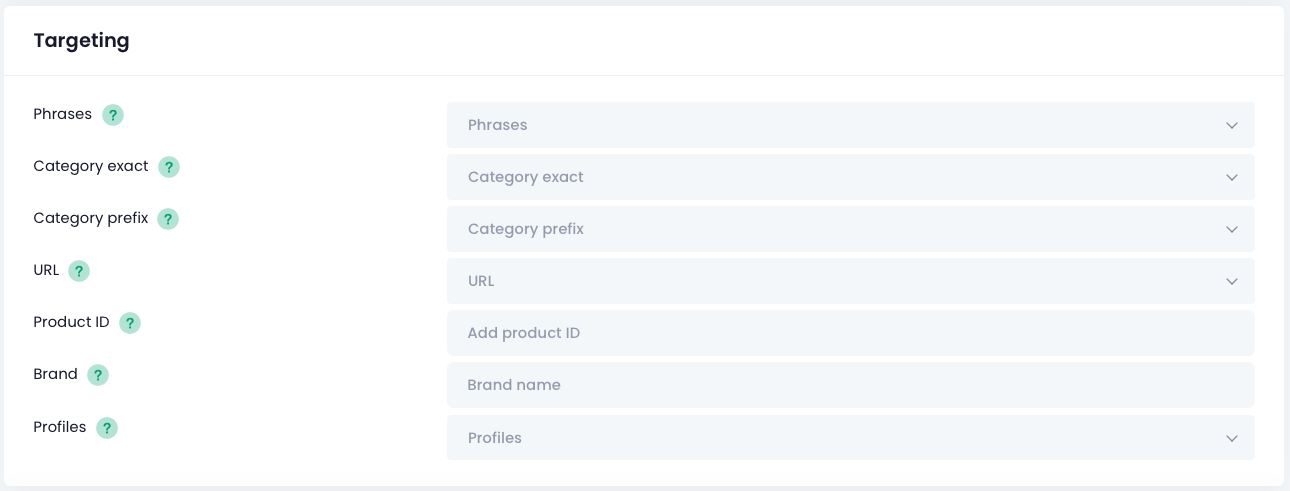
After selecting the appropriate target location, the ability to set additional parameters will appear. You can target by phrase, category (exact or similar), brand, and profiles. Targeting parameters are described below.
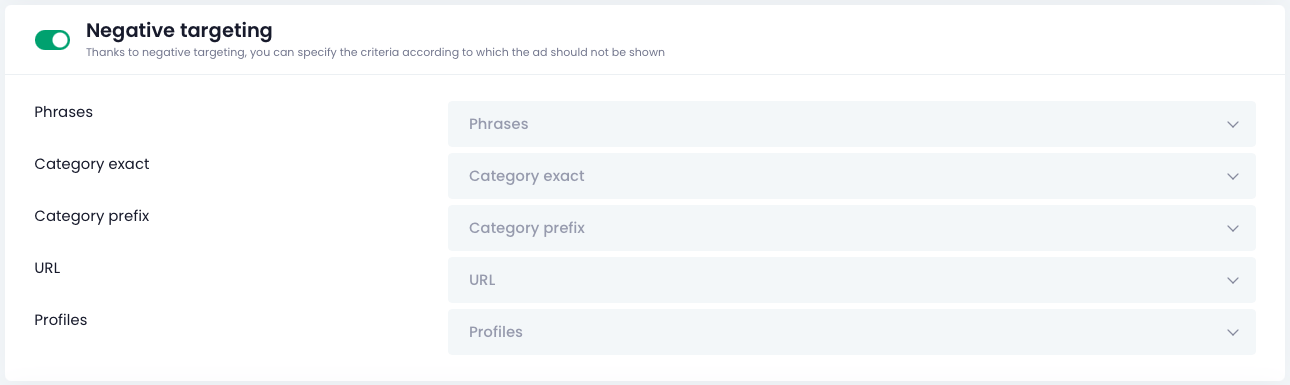
The next section is negative targeting - using the same parameters as above. However, for the checkbox to become active, there must be at least one positive targeting in place. Negative targeting works on the principle of exclusion - when we fill in a selected field, ads will be displayed only in cases where the parameter from the emission request differs from the value we have excluded.
Below is a detailed description of the fields available for selection:
- Emission place Places where the ad will be displayed
- Country Where the ad will be displayed (selectable based on the target location configuration)
- Language Ad language (selectable based on the target location configuration)
- Phrases Search phrases that the ad should match
- Exact category Your ad will only appear in locations that exactly match the selected category or category path. Use
>or/to separate different category levels.
For example: If you enter “women > sneakers”, your ad will display in the “women > sneakers” category but not in the “women” category or its subcategories like “women > sneakers > low sneakers”.
To show your ad everywhere, leave this field blank. You can select Exact category or Prefix category – one is enough. - Prefix category Your ad will appear in locations that start with the selected category, including its subcategories. Use
>or/to separate different category levels.
For example: If you enter “women > sneakers”, your ad will display in the “women > sneakers” category and its subcategories like “women > sneakers > low sneakers”, but not in the “women” category.
To show your ad everywhere, leave this field blank. You can select Exact category or Prefix category – one is enough.
When a user provides both an exact category and a prefix category, both conditions will be considered simultaneously during ad display, which means that the ad will be shown in all locations that meet at least one of these conditions.
- URL Your ad will display only on pages containing the phrases you enter in this field. A single matching fragment in the URL is enough for your ad to appear.
For example: If your store runs special marketing campaigns or has thematic landing pages with URLs like: https://store-domain.com/promotion/short-dates or https://store-domain.com/action/black-week
You can enter short-dates, /action/, or black-week in this field to target those pages. - Product ID Your ad will only appear on the product page of the specified product.
- Brand Your ad will display if the brand entered in targeting matches the brand selected by the user in the store.
- Profiles Define the group of users who will see your ad. Profiles are available when the shop has them configured on their side, and in such case, their list is available in the panel during selection.