Sponsored Products
Create Adshero publisher account
Contact us, and we will prepare new publisher account for you. If you already have an account, log in.
Create product feed
A product feed is a file containing a list of products available in the shop. If you already have a product feed in XML format for Google Merchant Center, you can use it in Adshero. Otherwise, prepare a product feed according to the specification.
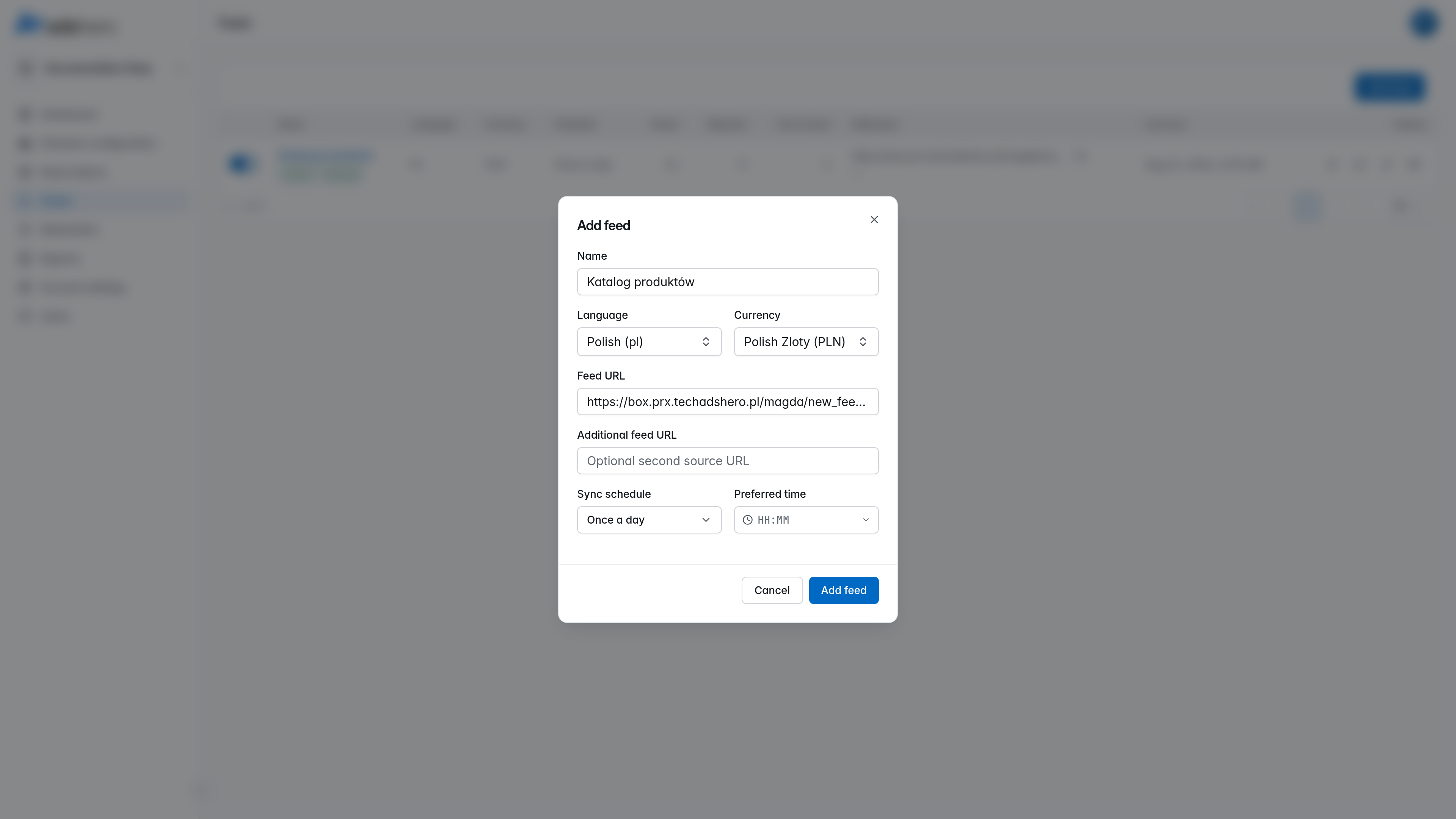
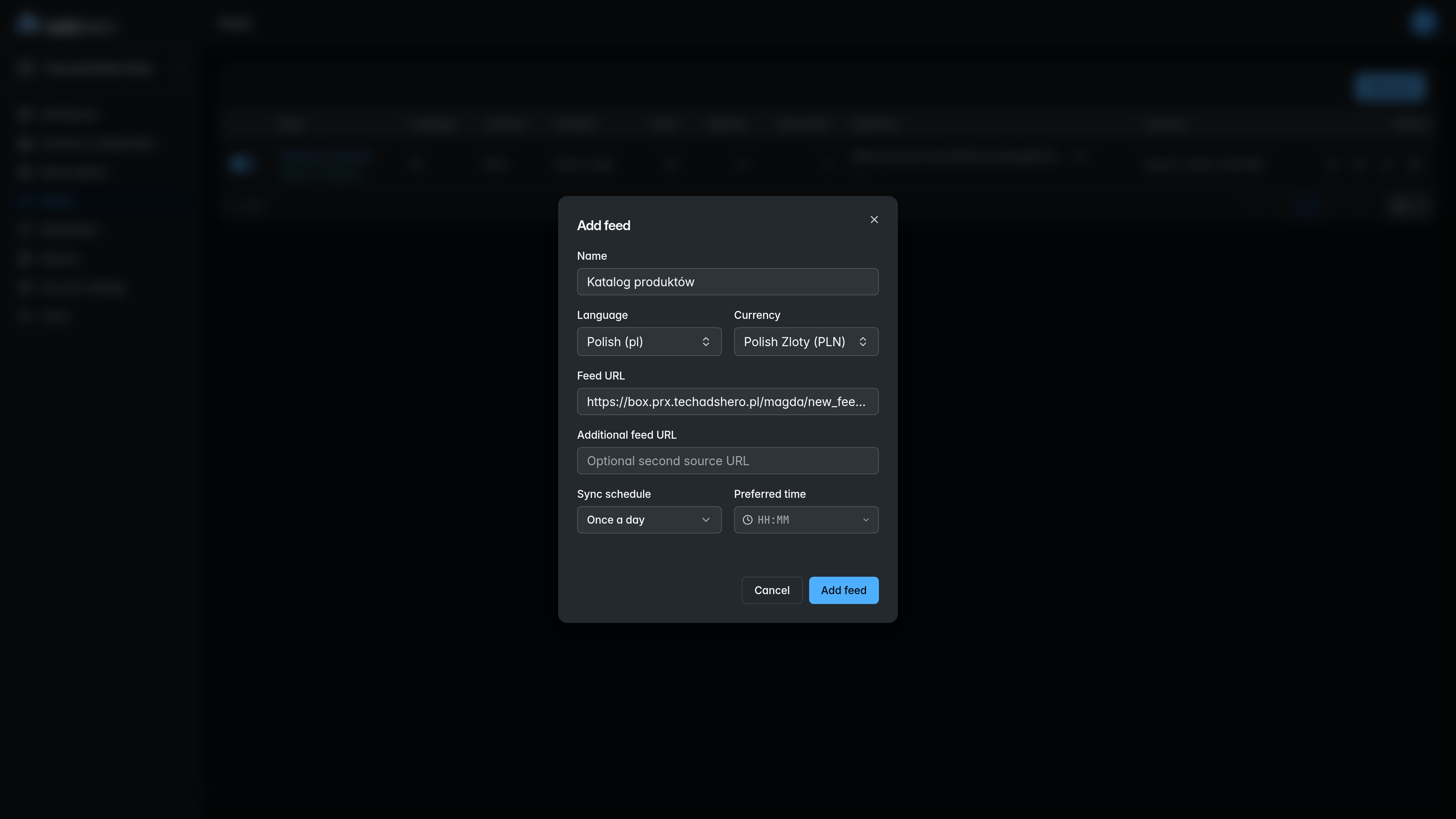
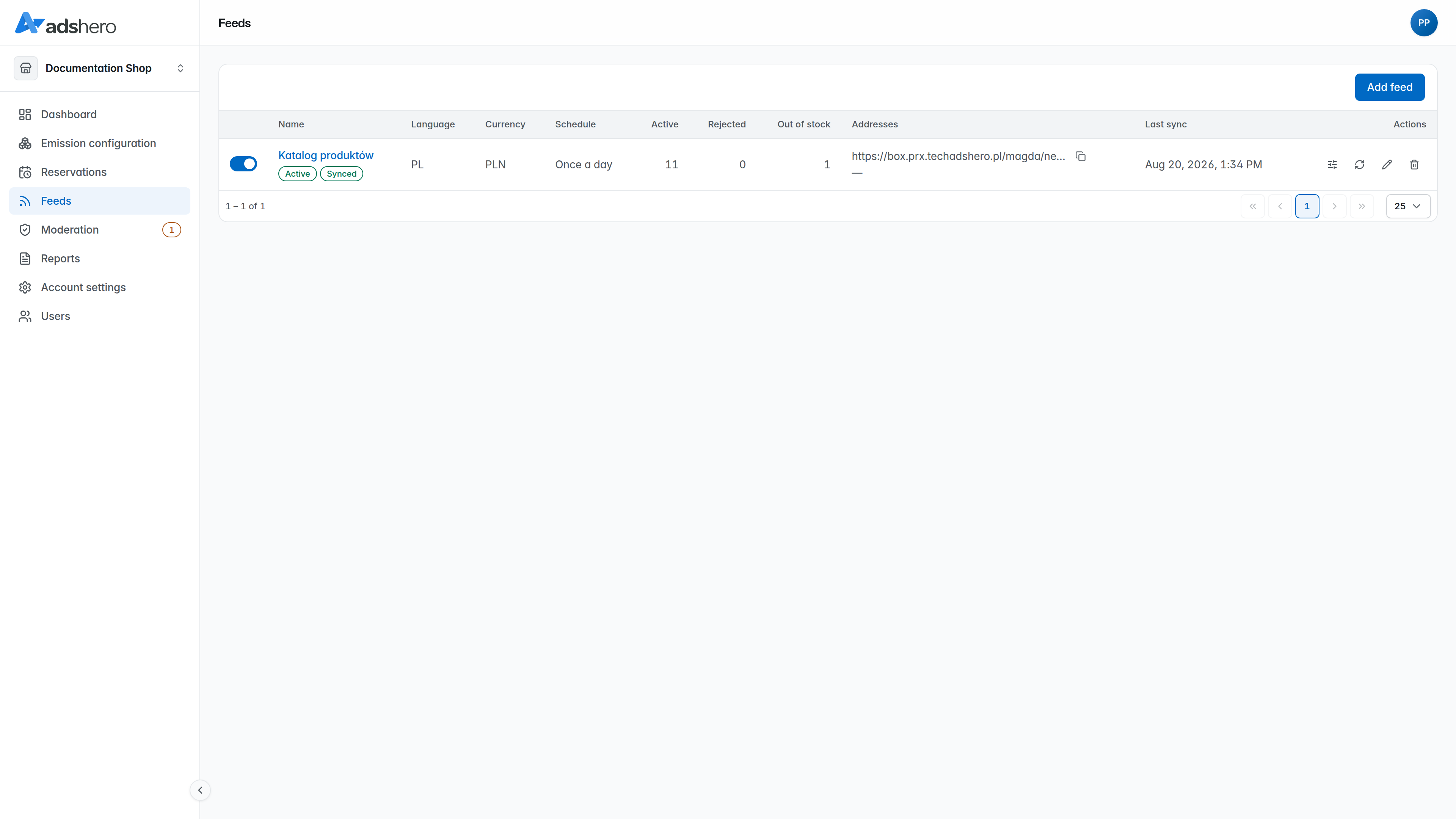
To add a feed, go to “Feeds” in the publisher account and click “Add feed”. In the dialog, give the feed a name and paste the feed URL — Adshero downloads the catalog from that address on the schedule you choose (or on demand) — and set the language and currency.
Wait till feed is ready
Feeds are processed immediately after being added to the system, and then every hour. The processing time depends on the size of the feed: for very large feeds, the first load can take several hours. Subsequent processing is incremental and much faster.
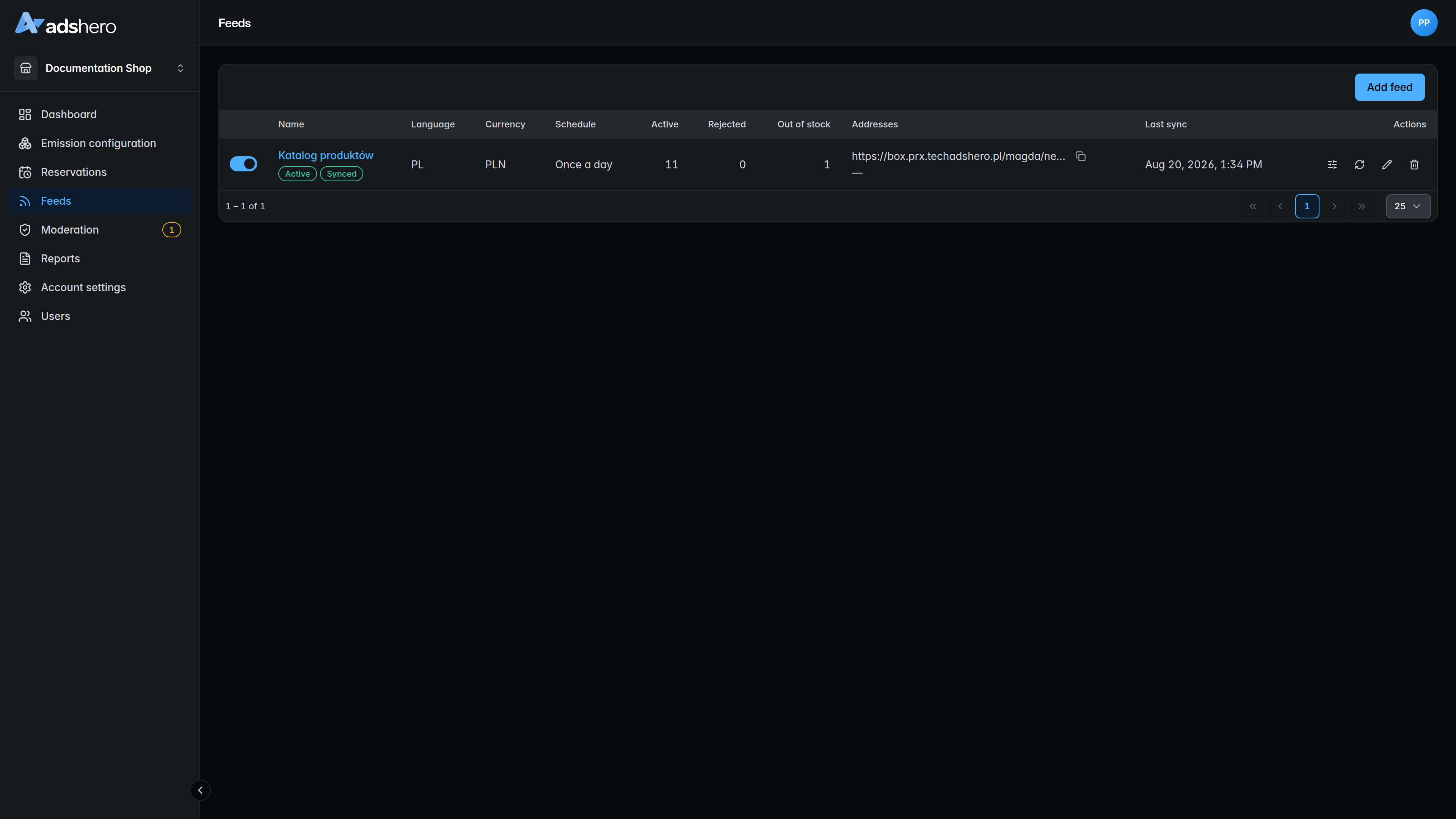
After processing the feed, we will get a screen like in the picture. The date of the last feed update will be visible, and possibly information about rejected products and warnings. Products with incomplete data may be rejected, but the vast majority should load correctly.
Create ad units
To render products on the site, you need to prepare an ad unit. An ad unit is a place on the page where ads are rendered. Ad units are grouped into “placements” — for example, on a product page we may want to place ads in two locations, so we create two ad units associated with the “Product Page” placement.
Go to the “Emission configuration” section, “Ad units” tab.
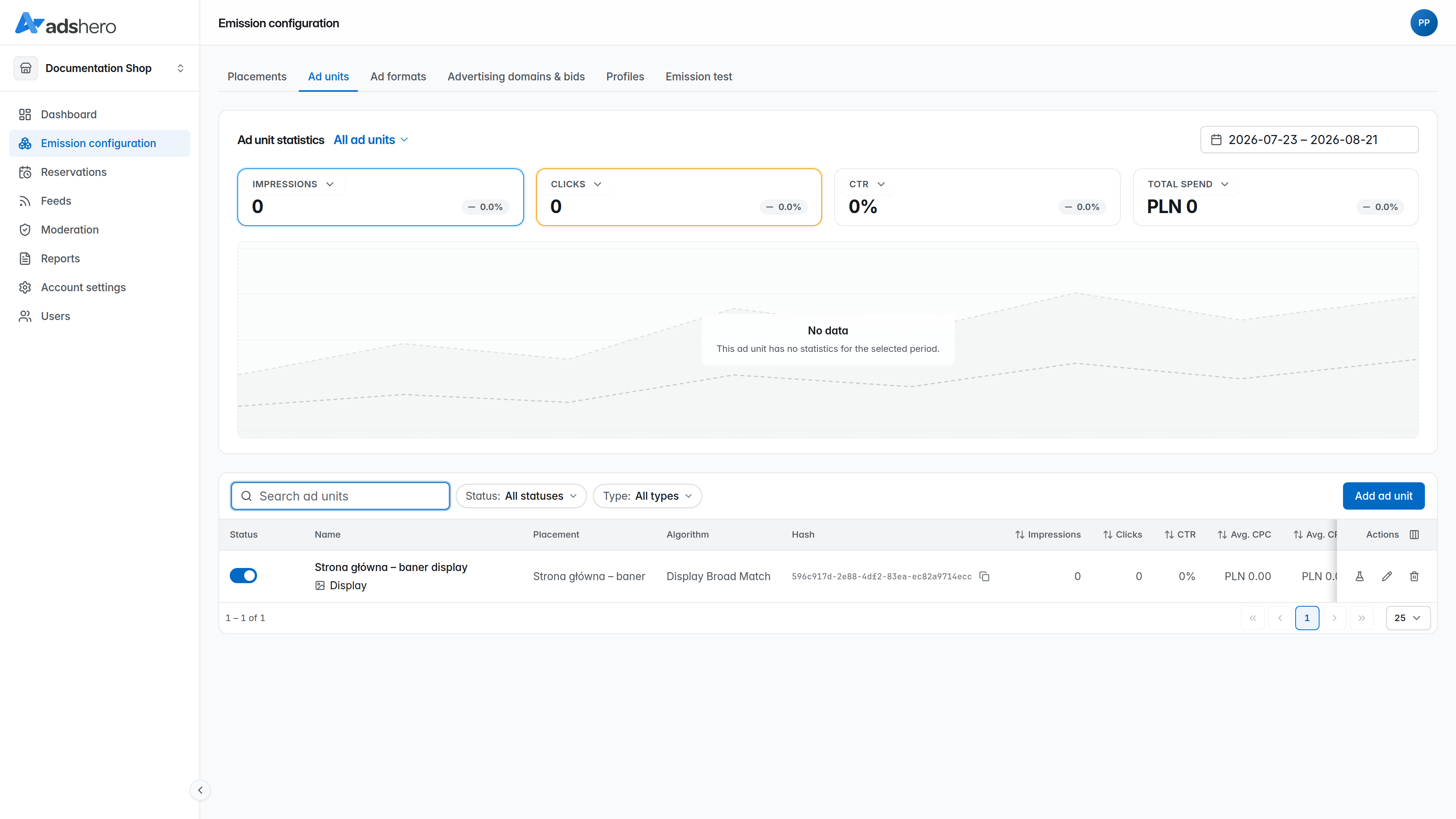
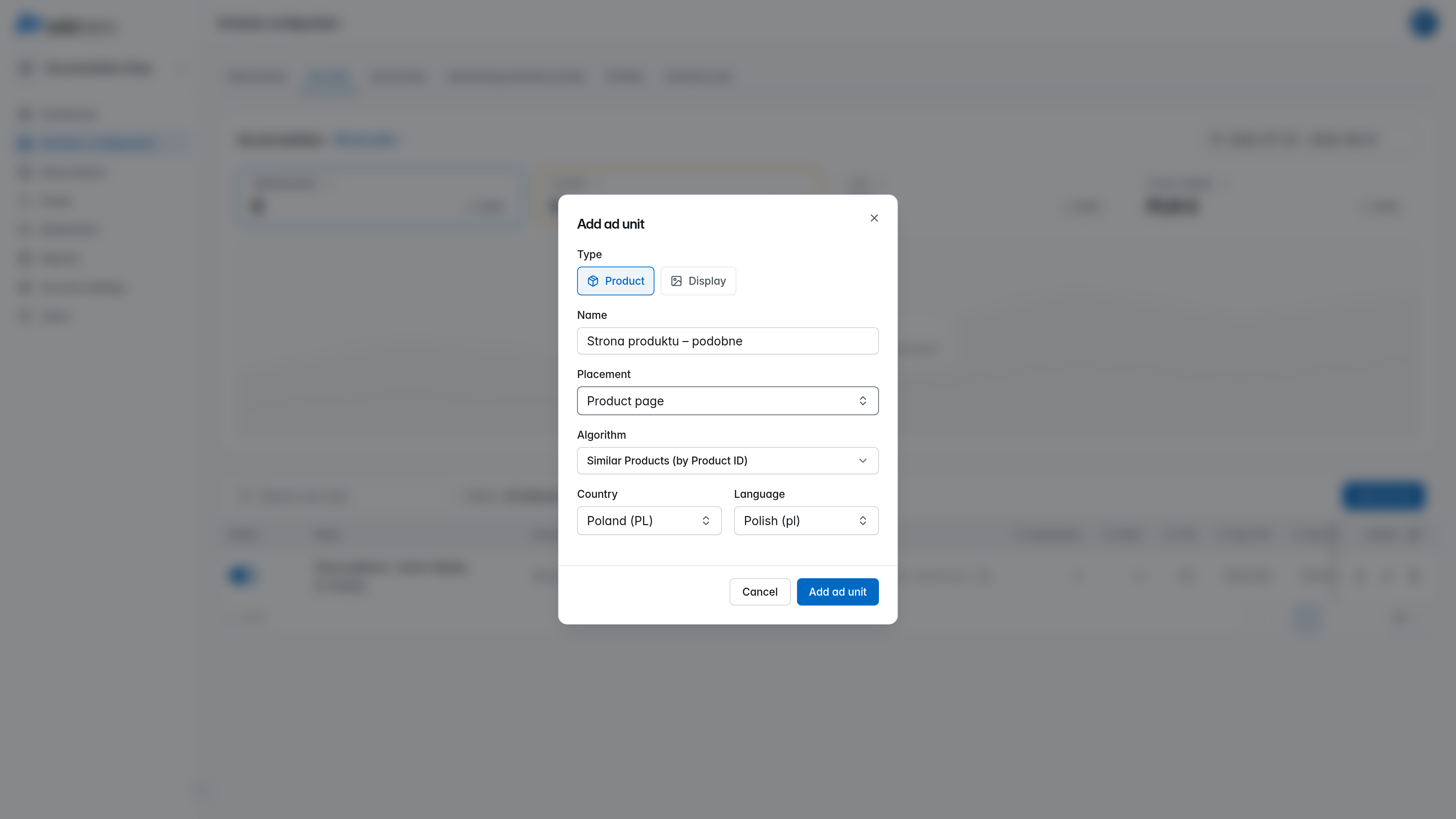
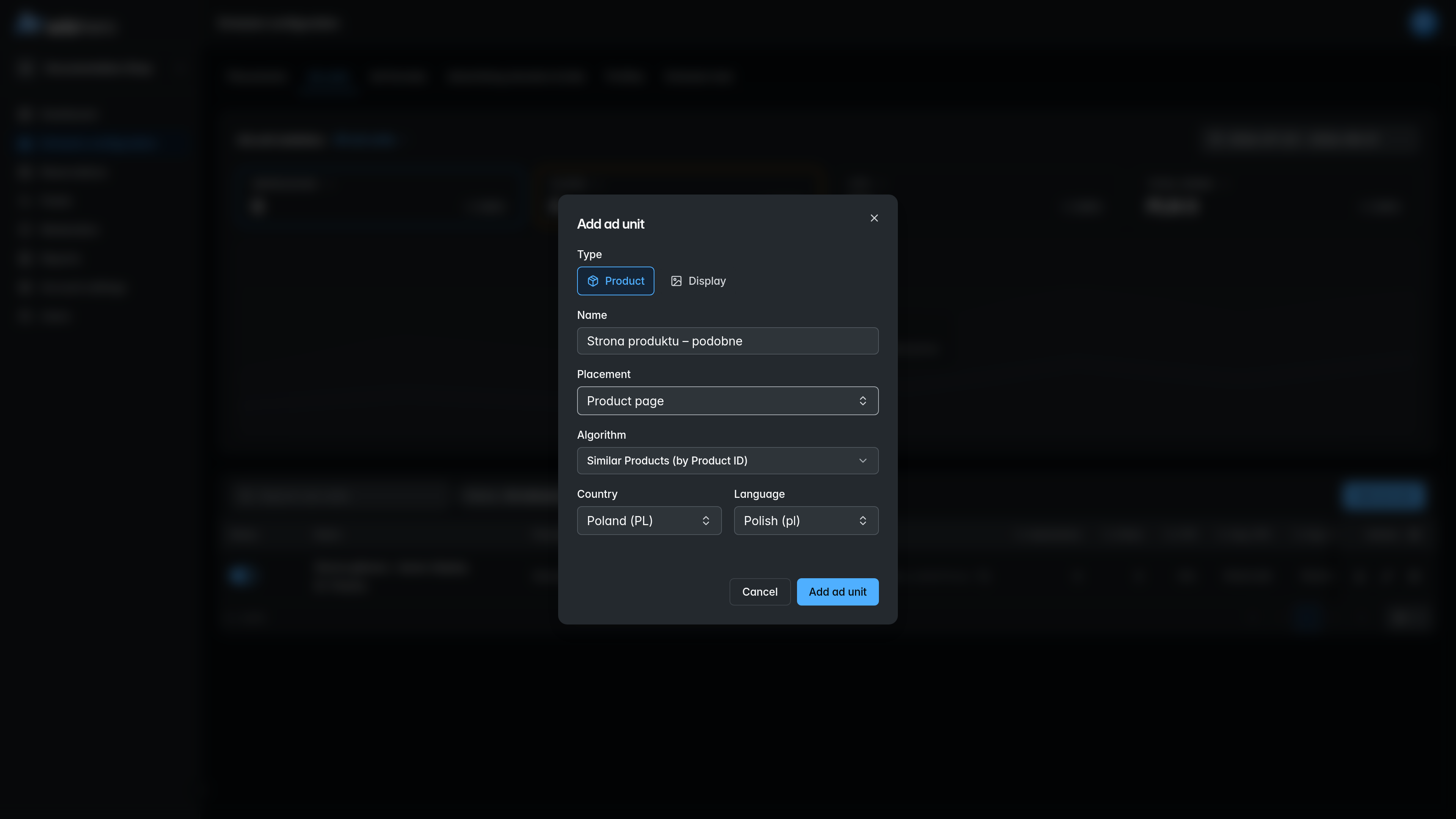
Click “Add ad unit”, give the unit a name, and choose its placement, the matching algorithm, and the country/language:
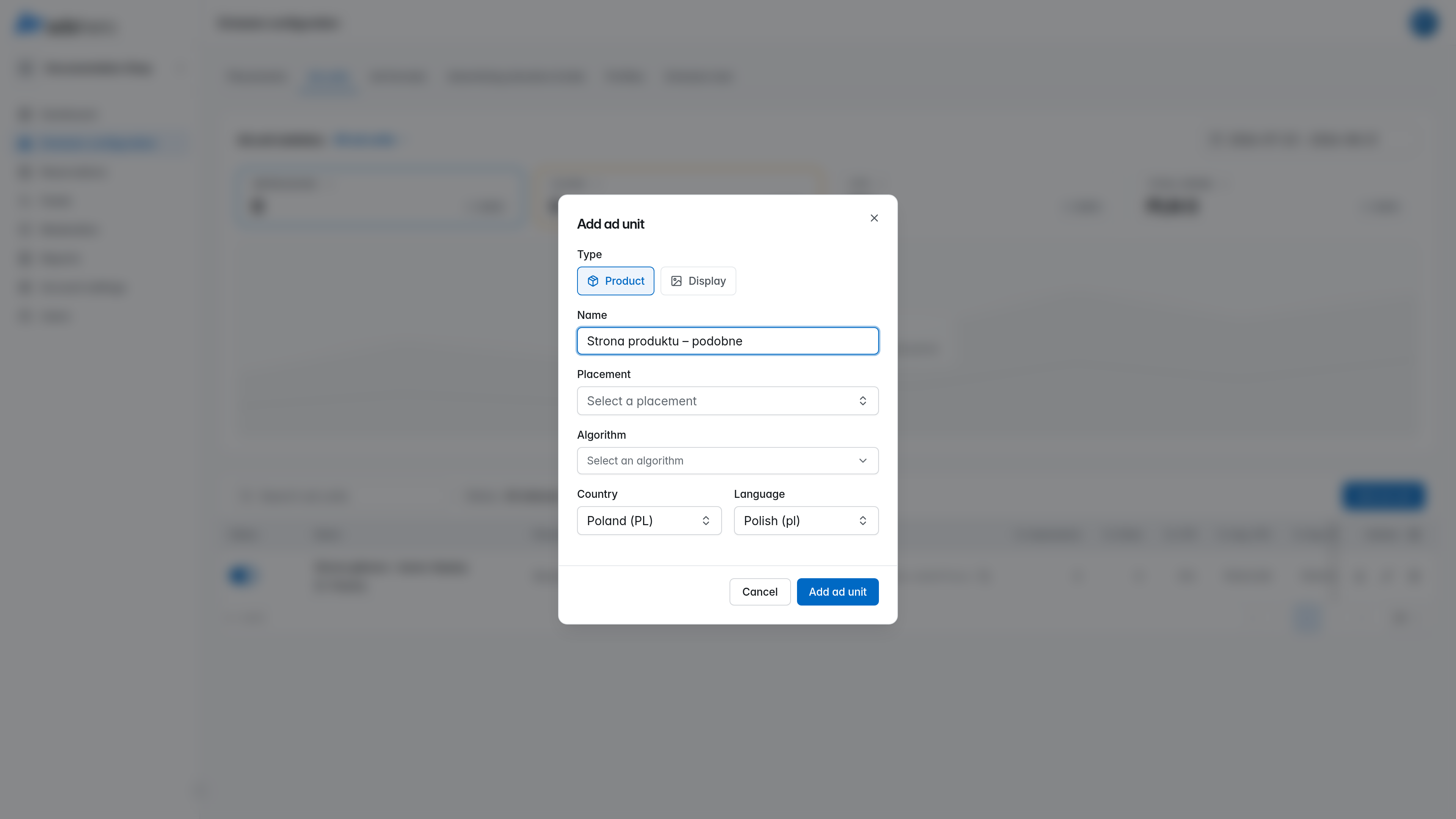
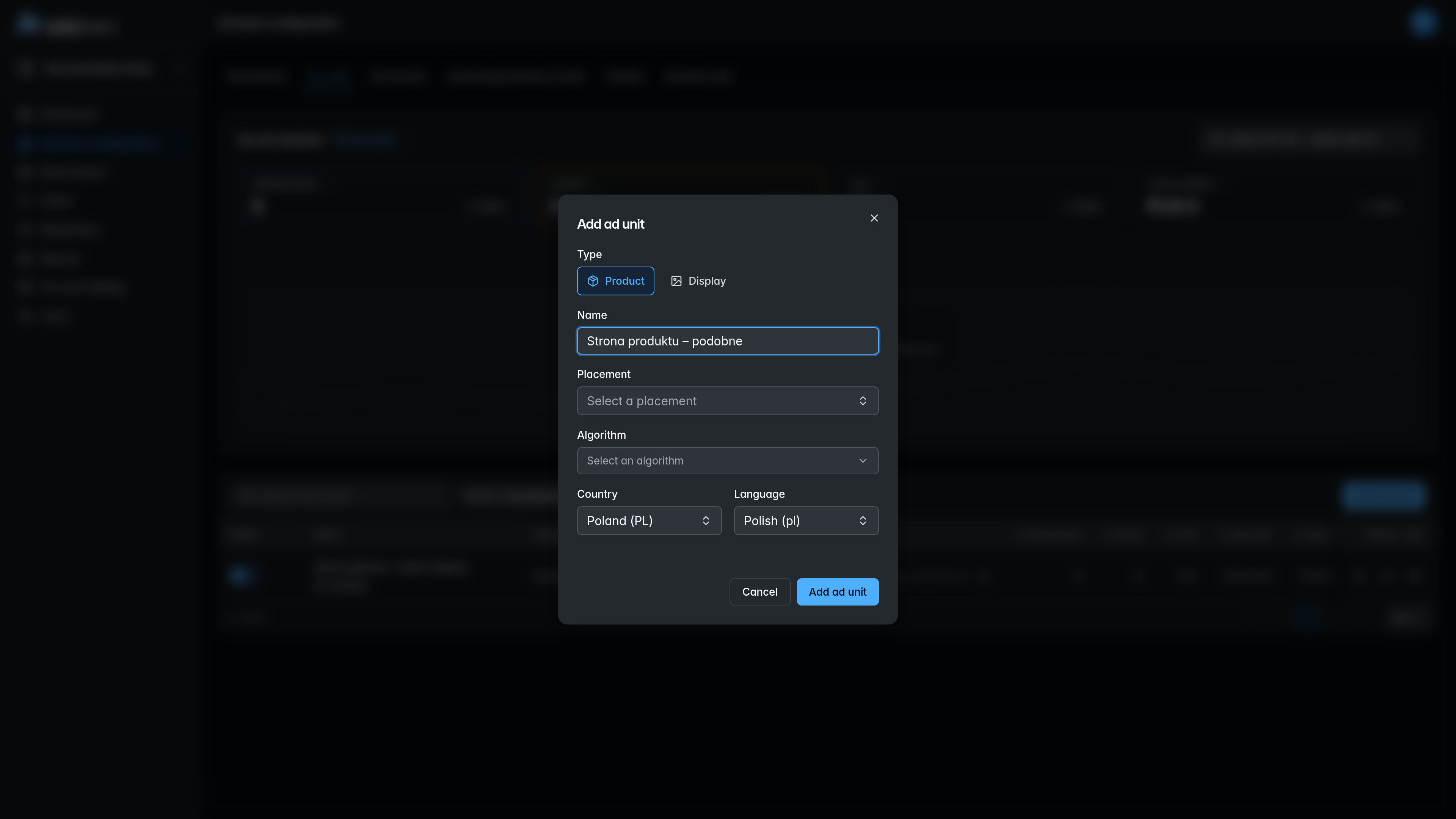
For the “Product Page”, similar products and bestsellers are a good choice; for search results (listing), the preferred algorithm is contextual matching.
Each ad unit has a unique hash, shown in the “Hash” column of the ad-units list. This is the slotHash you pass in the emission requests below.
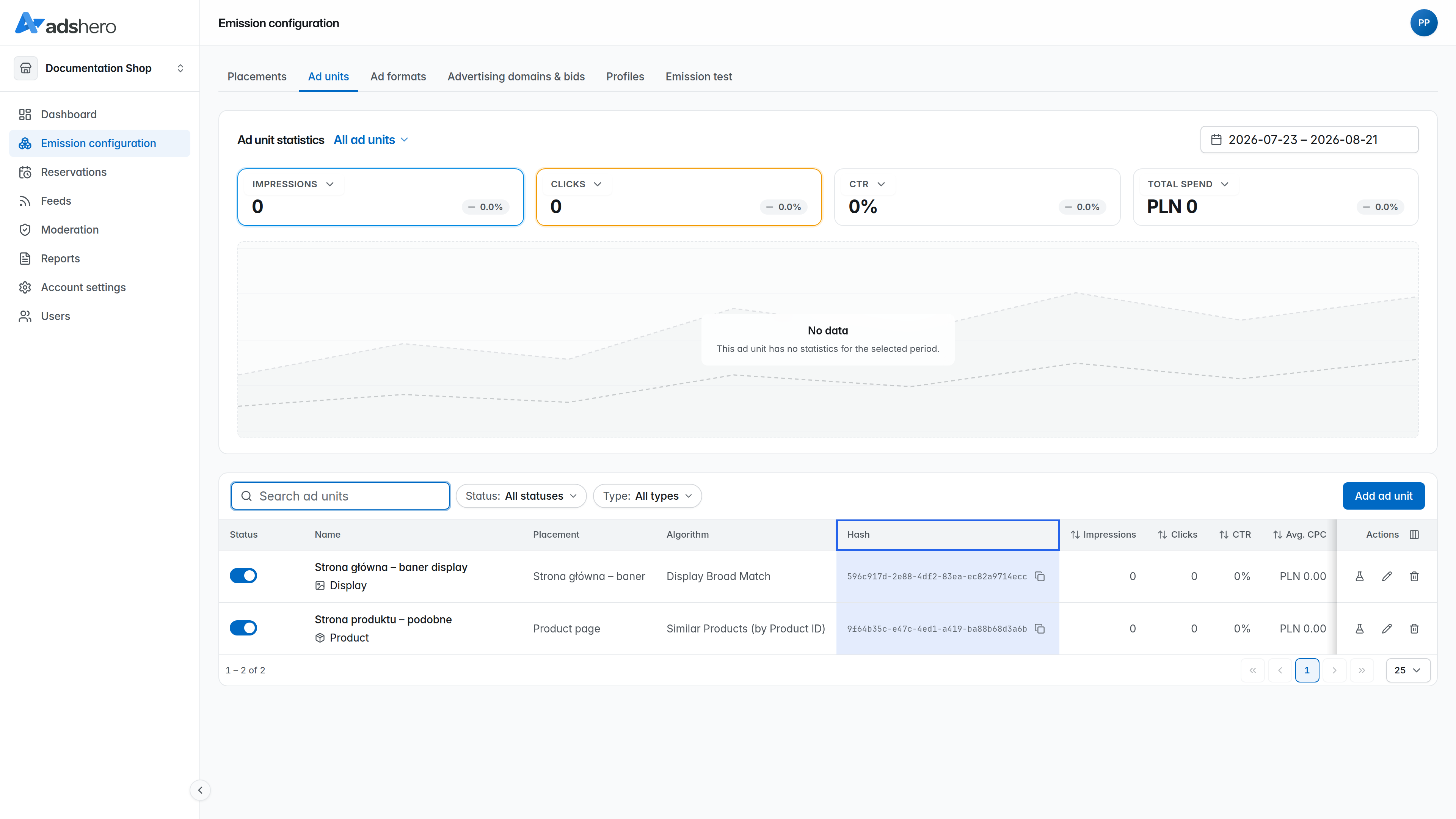
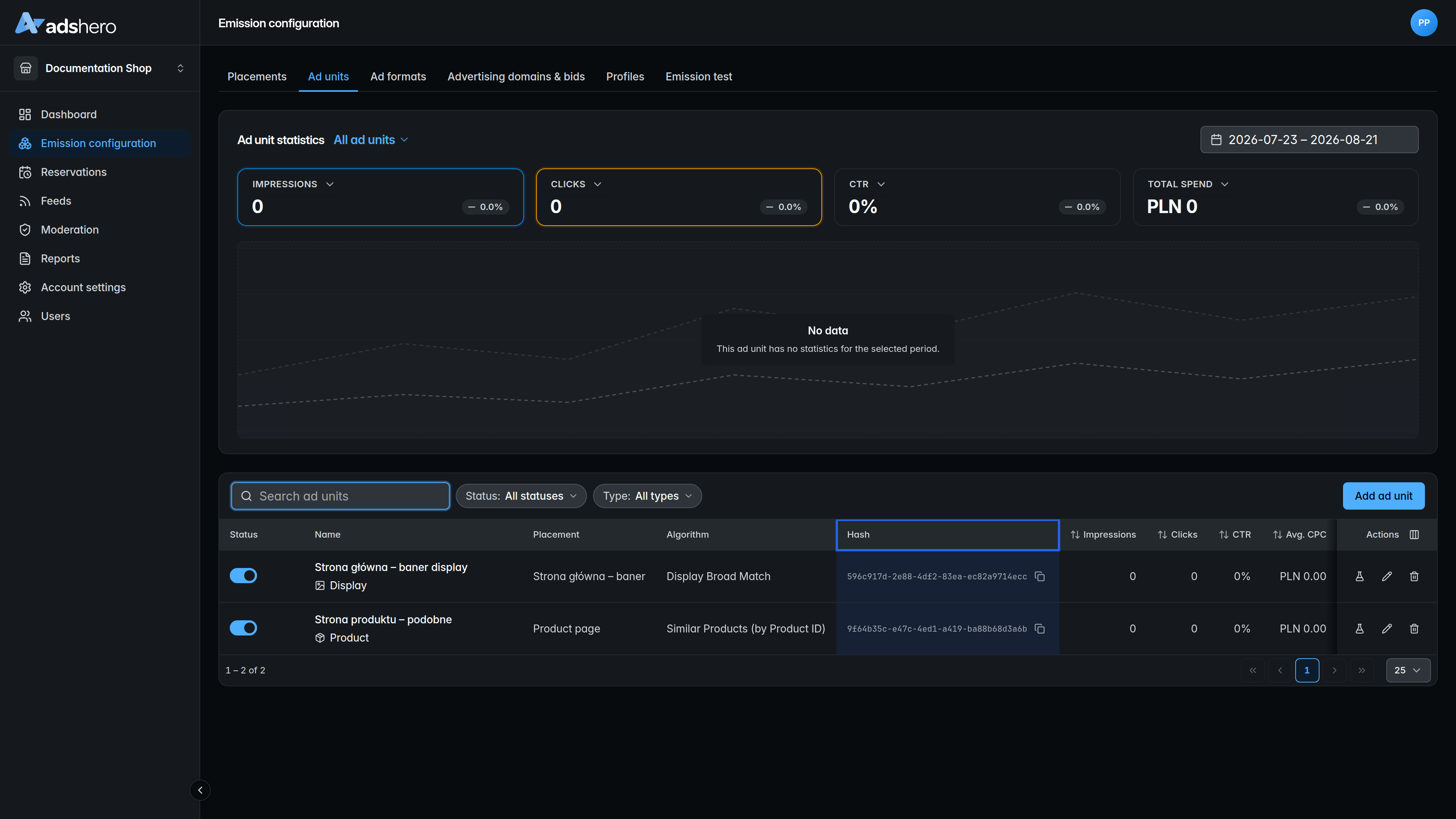
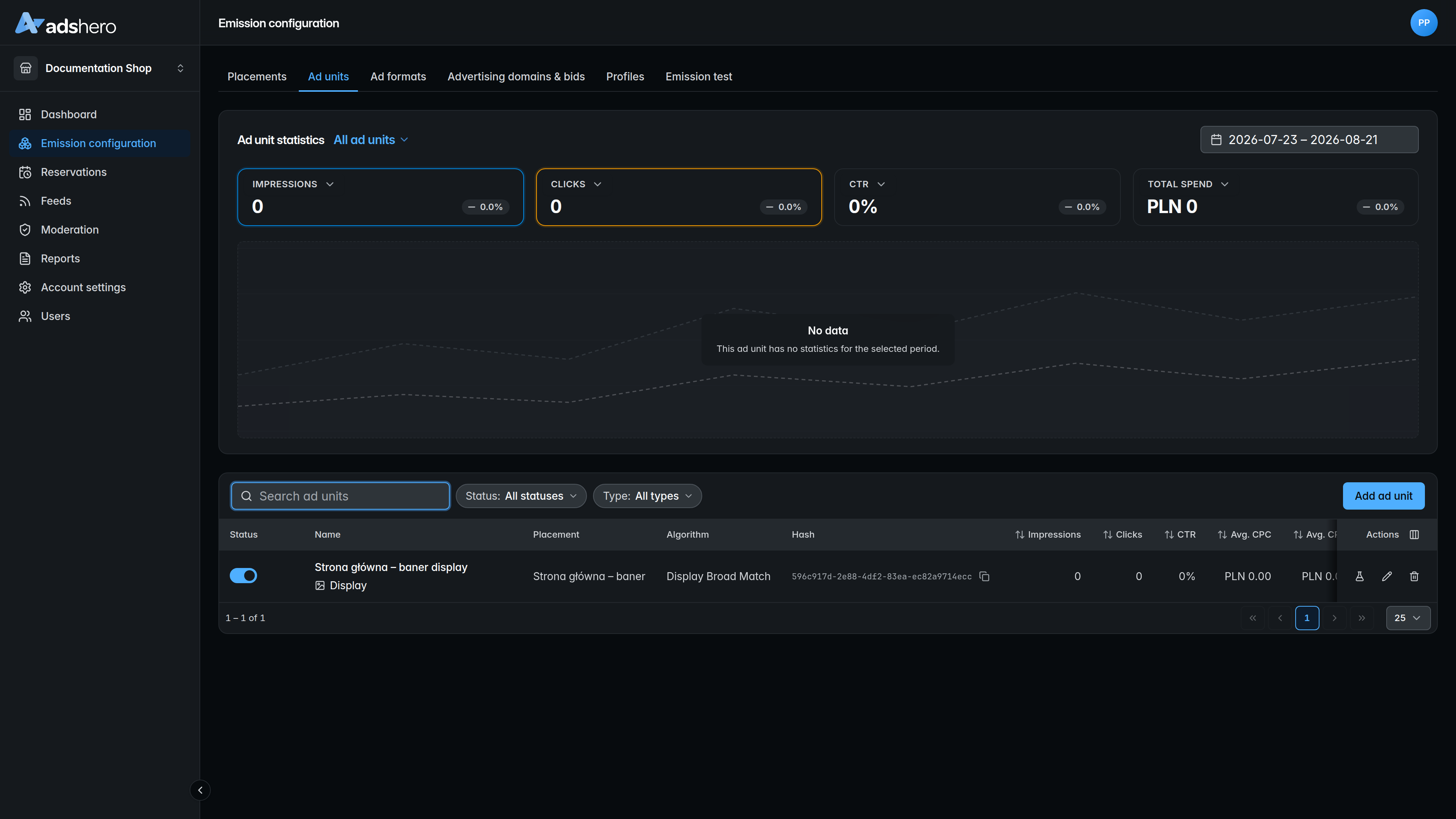
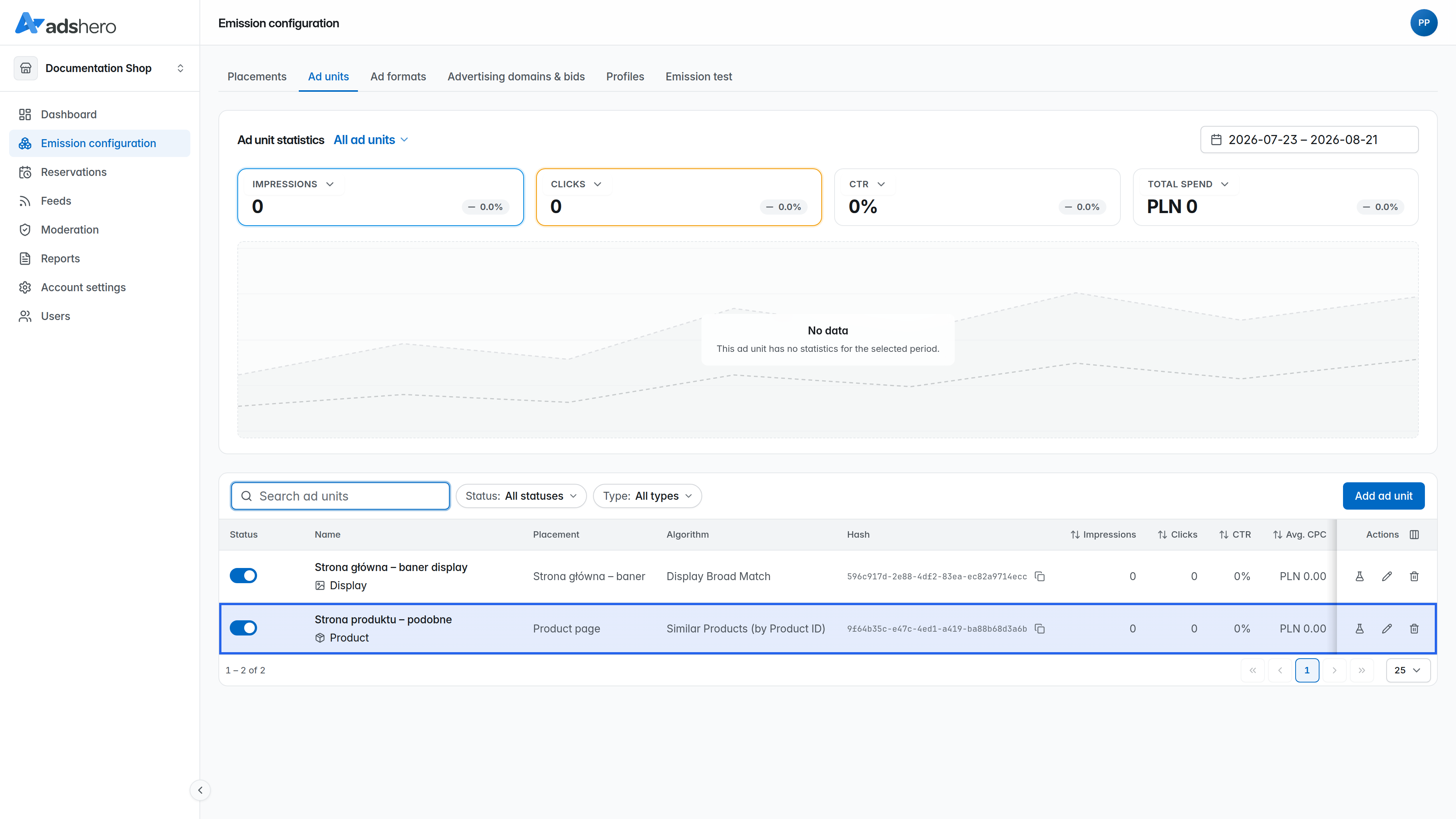
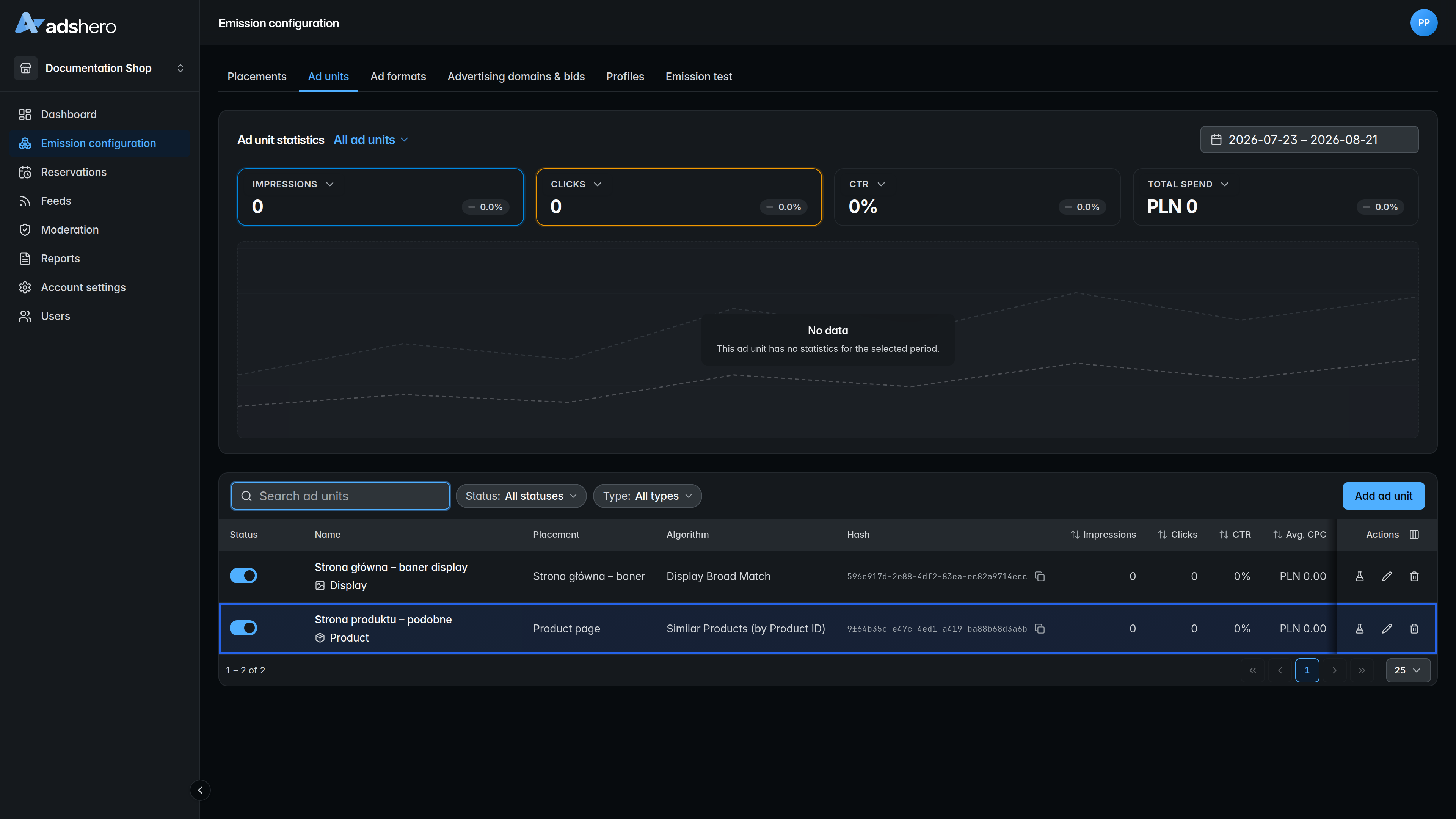
After creating the ad unit, it is visible in the list:
Create test advertiser account
During typical Adshero platform usage, advertisers will create campaigns. However, during integration period it is useful to create temporary test campaign.
If you already have test advertiser account, skip this step. Otherwise, create new advertiser account
Create campaign
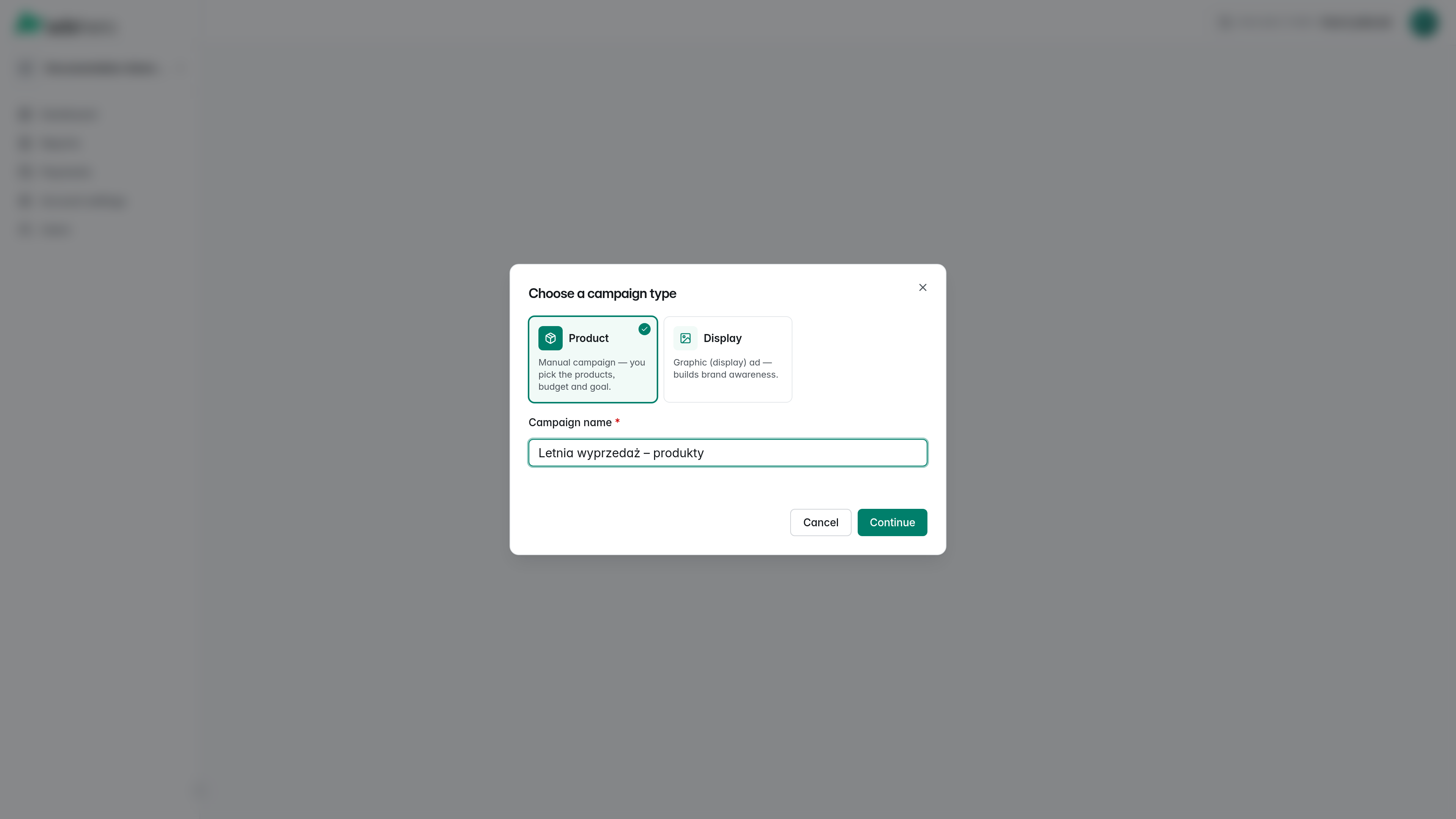
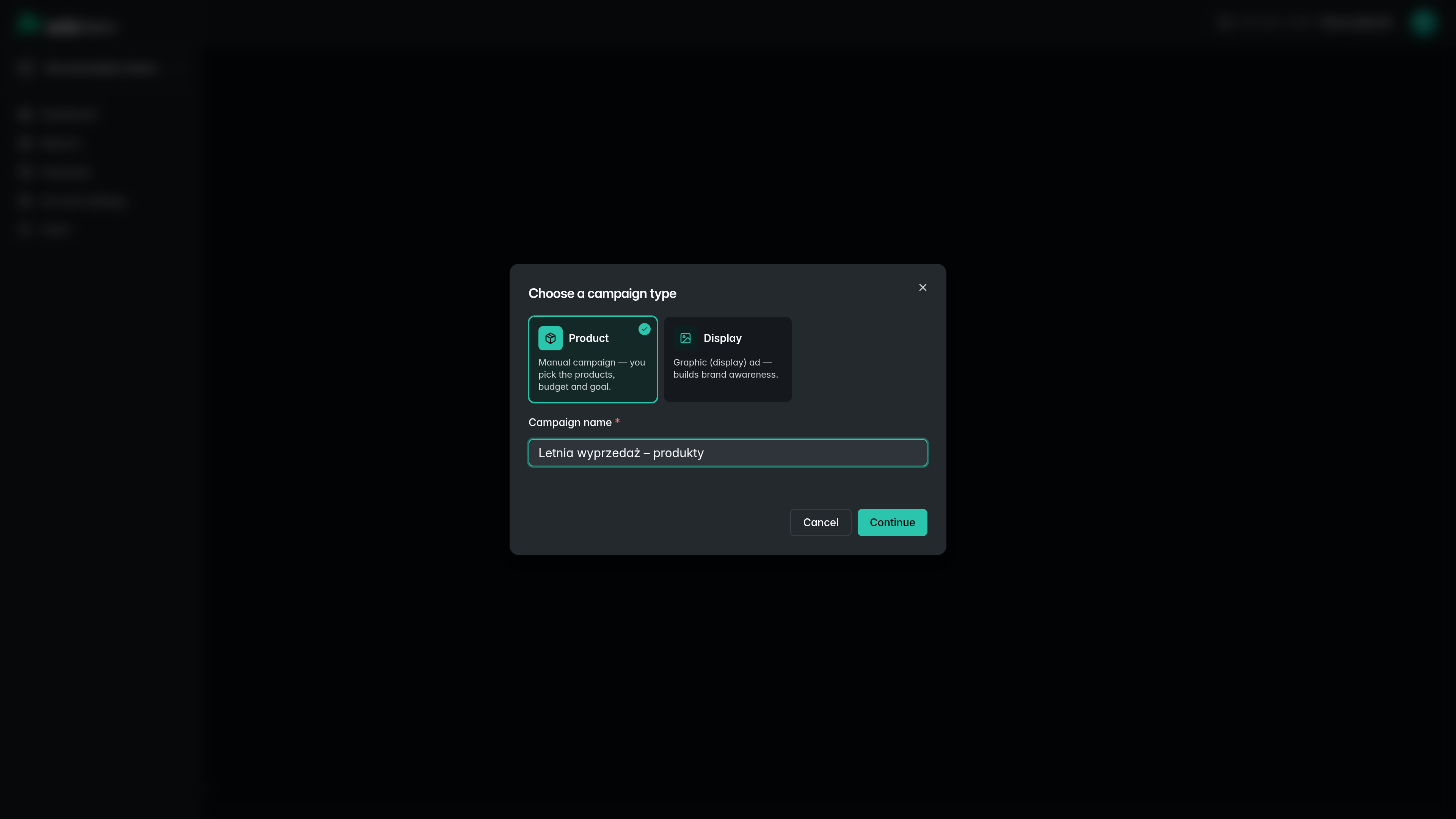
To render ads within an ad unit, there must be a campaign with products to advertise. Switch to the advertiser account and click “Add campaign”. Choose the Product campaign type, give the campaign a name, and click “Continue”:
In the Products section, select the products to advertise; narrow the list by searching on the name or with the price, brand, category and availability filters. In the case of whitelabel, advertisers have access to only one shop.
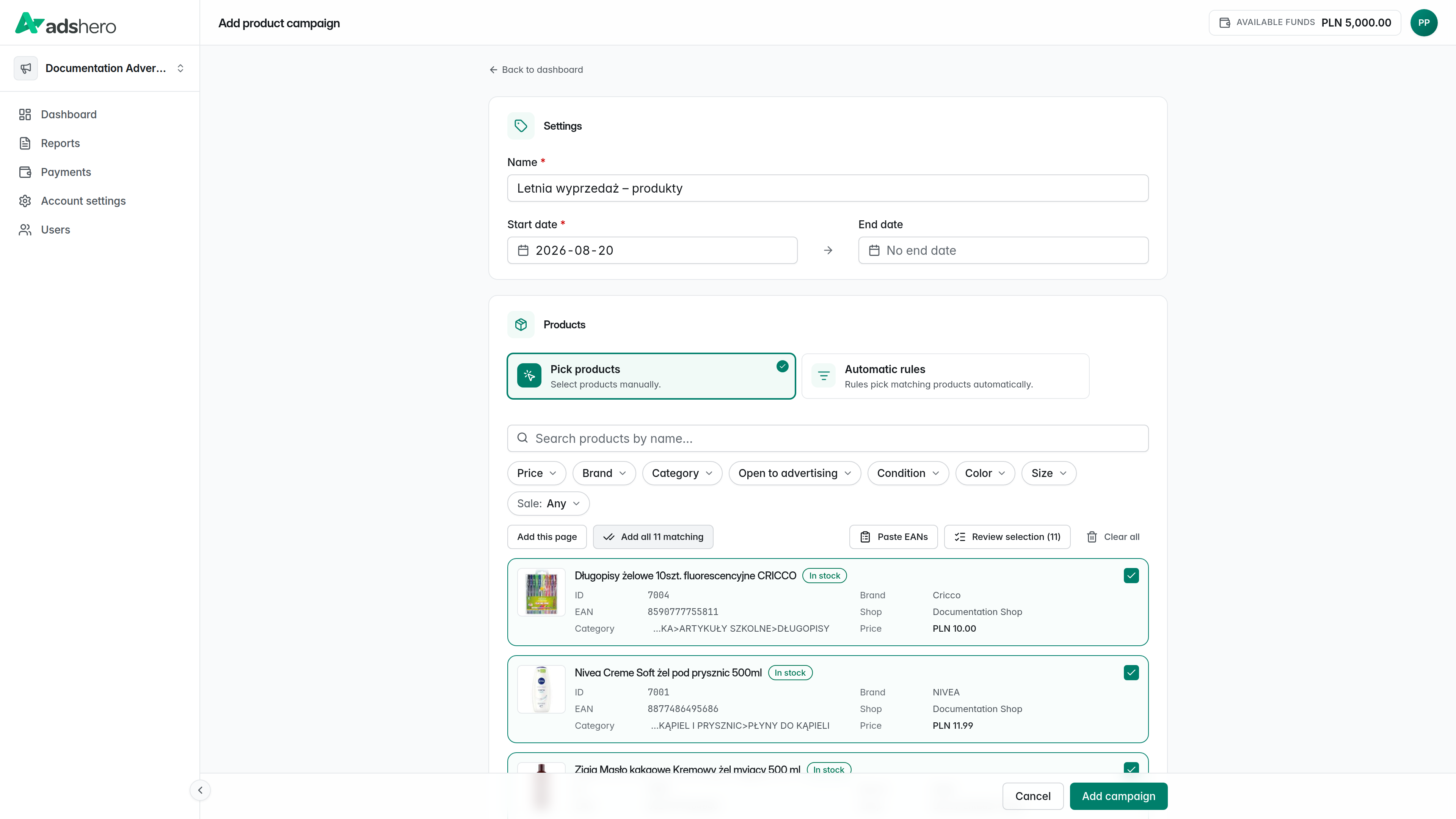
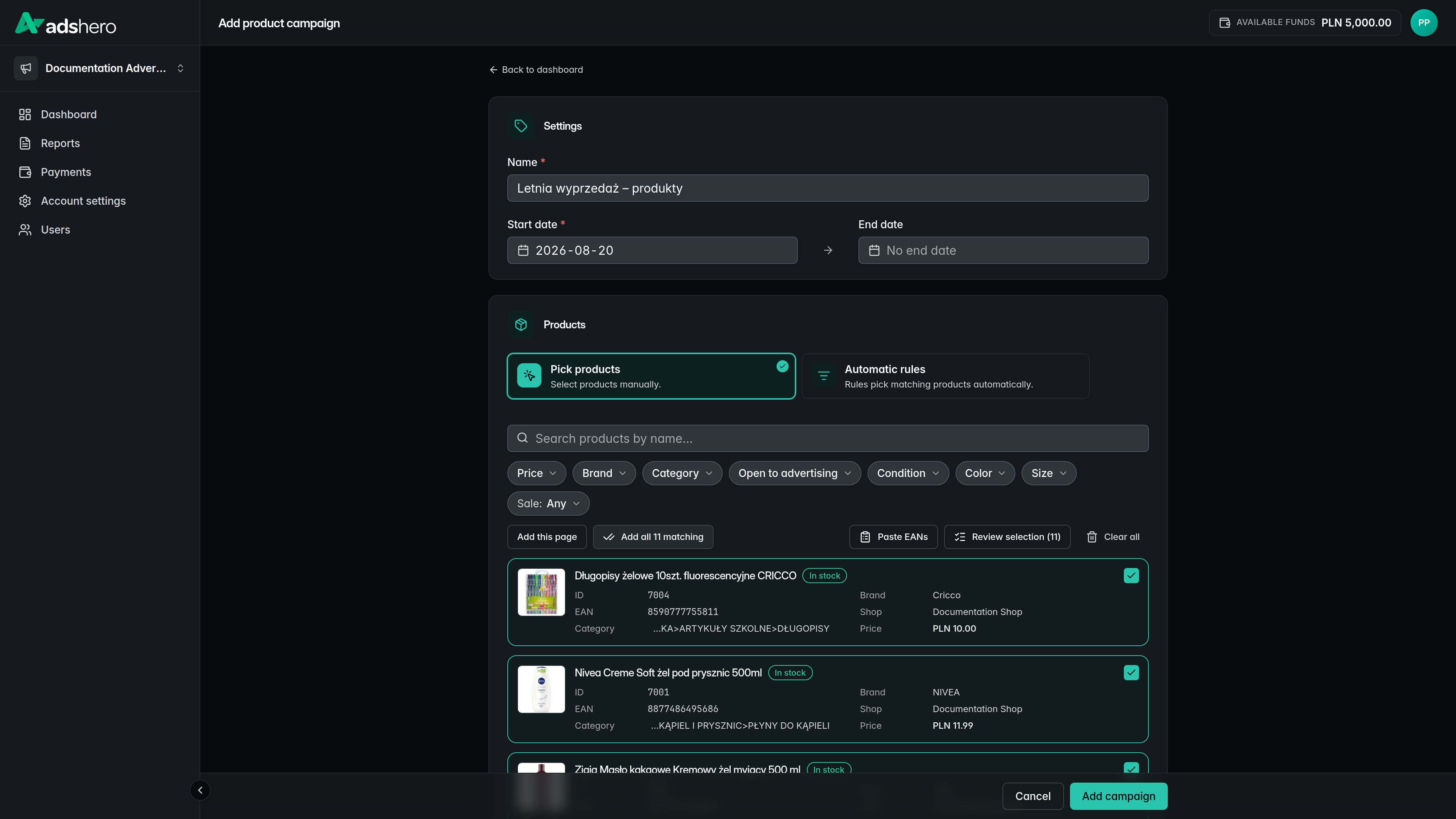
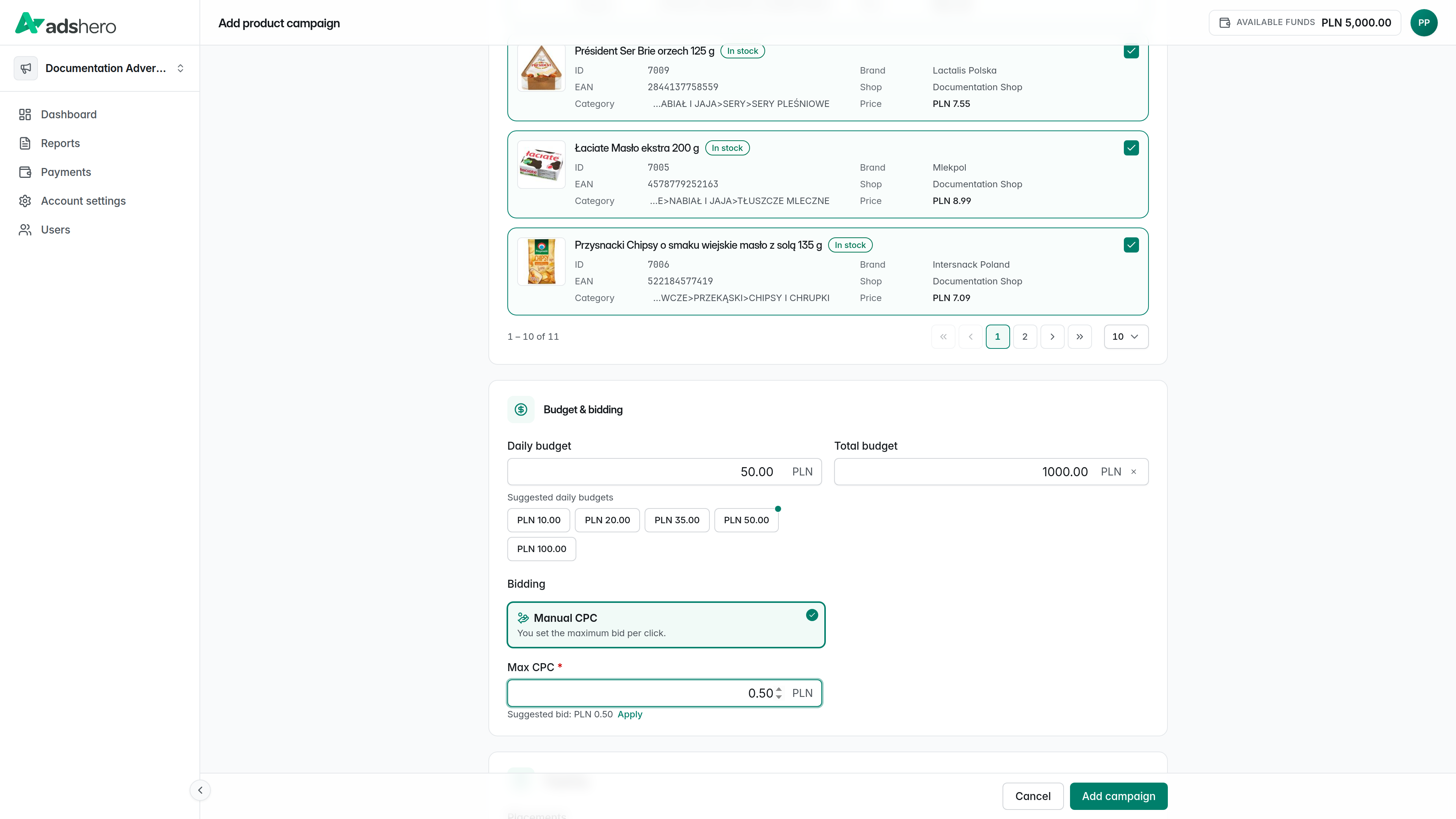
Set the campaign schedule, the daily/total budget and the bid:
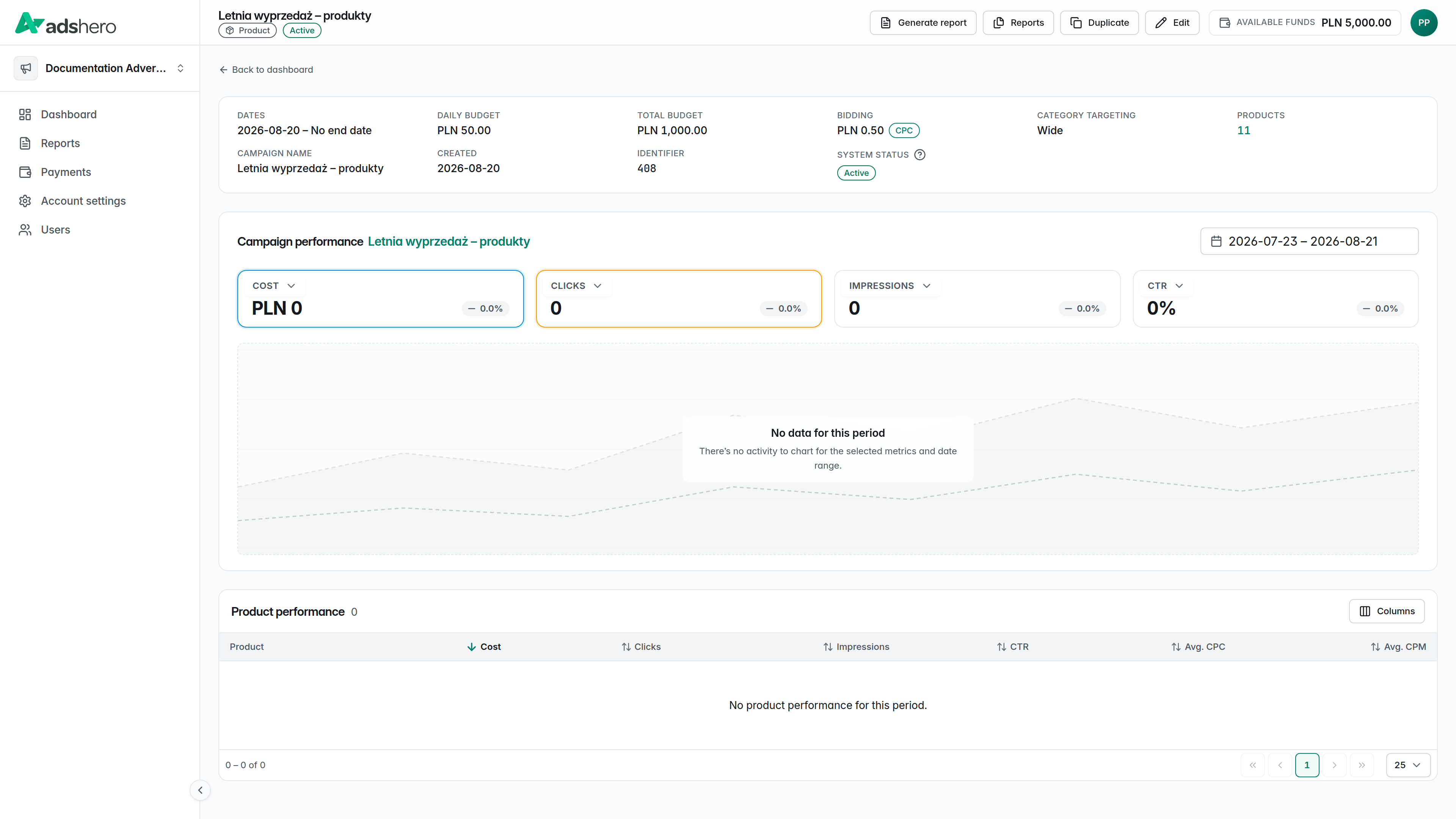
After clicking “Add campaign” you are taken to the new campaign’s details page:
Test emission
Emission endpoint:
POST https://dispatcher.ahevds.com/v1/dsa/raw/batch HTTP/2
Content-Type: application/json
cid: {cid}
uid: {uid}

{
  "targeting": [
    {
      "slotHash": "{slotHash}",
      "adCount": 1
    }
  ]
}slotHashis the identifier of the ad unit available in the publisher’s panel on the list of ad units (section “Emission configuration”).adCount(the example value is1) is the maximum number of ads to be returned.
Below is an additional example emission query. More examples and a detailed description of available parameters can be found in the Emission API documentation. Depending on the emission algorithm (configured at the ad unit level) and the emission location, the set of parameters varies.
POST https://dispatcher.ahevds.com/v1/dsa/raw/batch HTTP/2
Content-Type: application/json

{
  "targeting": [
    {
      "slotHash": "a64bb352-32c4-4742-8108-f6fd3358e4e3",
      "adCount": 1
    }
  ]
}HTTP/2 200 OK
Content-Type: application/json
{
"data": [
{
"slotHash": "a64bb352-32c4-4742-8108-f6fd3358e4e3",
"ads": [
{
"adUnitId": "F5LkM5IBjTNmMwTTXR1p",
"systemProductId": "66b0bf29f9210e6f3a1ee09d",
"shopProductId": "BAS-FOR-TOY-SIL-MIN",
"productTitle": "Kosz na Zabawki Duży - Silver Mint",
"productHref": "https://funwithmum.com/pl/kosz-na-zabawki-duzy-silver-mint",
"productImageName": "311d5d048124aa8efe301b30b5e9fba3.jpg",
"productPrice": 149.0,
"productSalePrice": 119.2,
"showId": "eyJhbGciOiJSUzUxMiJ9.eyJhZHVuaXQiOiJhRDhJQTFuVHphaUk5RFphdkpmMnlROVFKQzVham9GTXVxOVdXYmR0aVFjQTNoVGFnUHprbE9vZzZ2N3N2cDJwT3kxdUxMY1hKaGhBQUJpbG1rT2thR3dtaXRGK1ZxWmlMWjg0SS9mMEFPY1l5T3lyc2p5K0k1OXdhSUhuVG5hNjhpY2dUMzdjb0ZZeCtqV3VEcC9aa013SFh0cDlKMC9HdkRMVTJYa1VsVzNVQk9SOU9Ea0Zha1pGSFlJRU12ODVwTWQ3alZyZkN3elRYSE1zcmh2YVNaMmpTa1FmKzVnT011SEdGbzJwZ0FCSHRzNmtONkFKTVUyVytWdHp5Y1h1N3d0K3gzenRvKzVTQTFMTHFqZ1dpbEJ2Rk1hRk1ZNTFGaHBESVBYN1lVNi81MExkNHFMeWZWQ3FSazd1dVpaRDdkVzRHWW4yaTU1VDJnMnI5T2pBb0doWnBOdENCMVFJd0N6LzhBeTBHZ1hmdTRuRzJRZmkrR2ZMdjZCN0gwbmFValA2QkVCMlJGODFSd0NtRE0wcWVNTG1uZlIxUmhkQlNCSTd5a2xyQW9VTzZvOW00MXdjWk9jeWJNSmMrOWVMODR6ZlBNenFXL3J6K095QUYyMFducTBncmErMTRmaFNmQkZjNFZocGRySTlpWUVpU3I2QjlTT1BERTlOQ0ljK1BHd29GWEhmVWVvc0tybmtOSUdoNVJ6ei9SQmhZazc4OW42ei9QbEZrU25nTFF6NVRSa0RwWXZ5cWNPQWt4em45MTBJdS9MWktoOGRkWW1LeWpnTFg2L29ZOFdKV3hlQU5aeWt4ZnVMSnp1bitzWmV0ZlJIeEJvSXMyd1NVREo4WE42MGx1T2QvdVRuYjlDNkpjQ2NKZTZVelU4bkF3OXRHVG10ZUJUbFJMQ2J5MnExQVovL284NWtUbm5FbGtRb1lNSjA5Q1pXcVZVb2Fpb05PVGpzY1FxenIrcUhYOS95N2hDZlBISHhKV2M9IiwidHlwZSI6IlBST0RVQ1QifQ.qCuqv1BFHKcKwOTzvXYsNl7LiL14Dv99RNttosDOYa5z2d_fkXmqIiY-Jq4CSRspFljn5BvwPJZsOf_KgK1Zhga4jHm4f8EX1-i--76lGWepbcgeSTOMkUmCrq22O_TLKGeCbPj7MjL8B--nI_hBvI924X7FqF59XOMUCAmdwgg5RP2EsEwHmrpPdOQ9oh4YjtEXzTzuYFdd9ftGHgL0-rYdTZ5vx0q_p8AbiP9_tBvVuMvwyfu4yuGPsOCY41qFW6C2xsoPAg_kQrx5kwgGE8ZGnj3YCfjphfWmz_nlwVwQ7WODanW_kpdr02K78gN5D2Pbz2IfGXzK0vw0sXZNfw",
"requestId": "|AOZxmKInMj7QA3Txkk1Pm8dXlDS7EKlwKwfQ.Ir5sQj_",
"slotHash": "a64bb352-32c4-4742-8108-f6fd3358e4e3",
"shopId": "cf196098-c935-4ac4-83f2-aece5185602a",
"lang": "pl",
"currency": "PLN",
"brand": "Fun with Mum",
"categoryId": null,
"autoPromo": false,
"productImageUrl": "https://prd-cdn-images-prx.ahevds.com/311d5d048124aa8efe301b30b5e9fba3.jpg"
}
]
}
],
"meta": null,
"clientId": "v2.633061515.1727455341"
}A detailed description of the emission API can be found here.
Events
For full integration with the Adshero system, we need feedback on user interactions with ads. We accept the following events (in the case of sponsored offer, the ad is a single product returned in the emission):
- Ad view — required
- Ad click — required
- Add product to wishlist
- Add product to cart
- Purchase in the shop — required
A detailed description of sending events can be found here.